

EasyIP 5 ePTZ Camera
8MP ePTZ camera with 100° wide field of view, IntelliFrame™ auto-framing, and 5x digital zoom for networked video conferencing
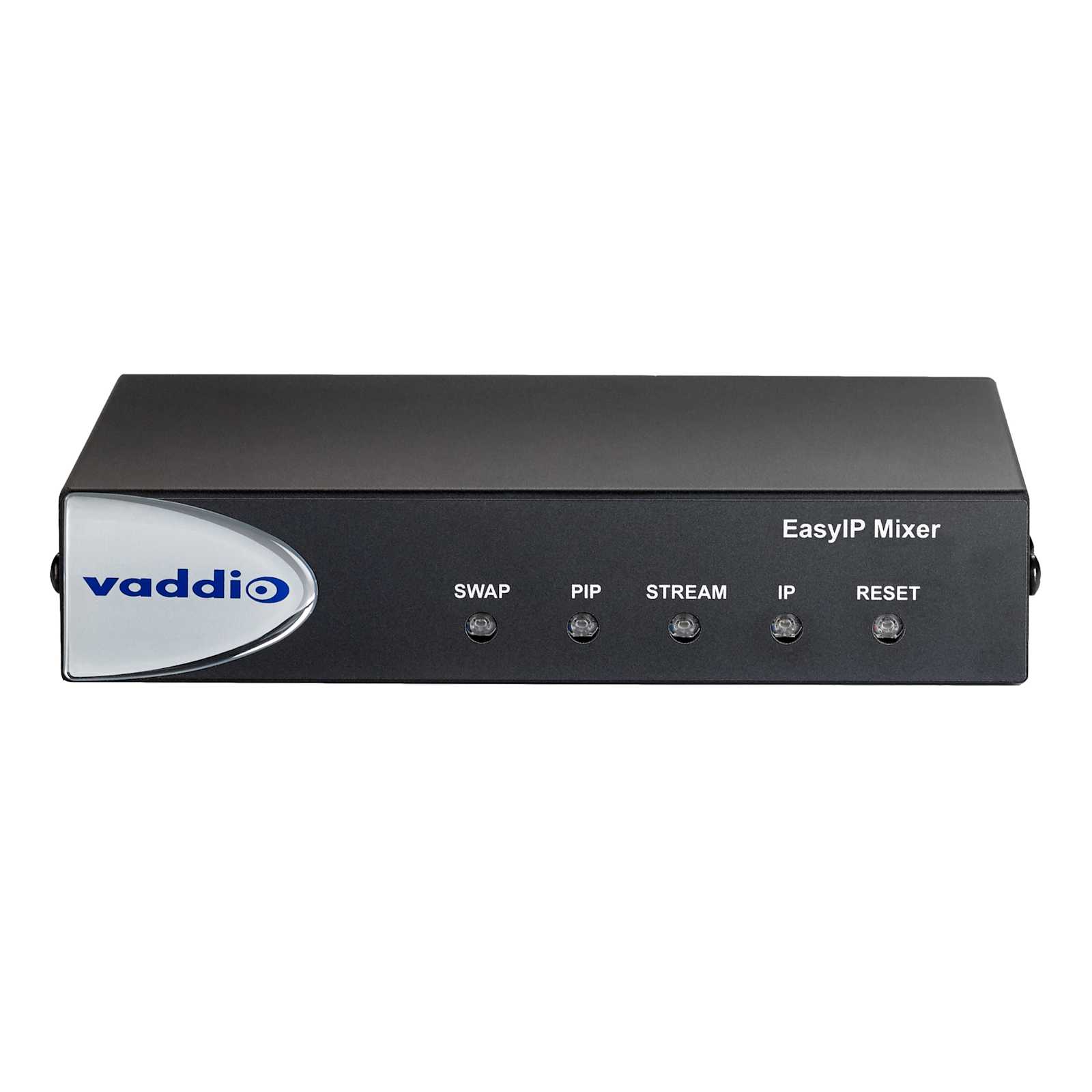
The Vaddio 999-30150-000 is an HD ePTZ camera utilizing IntelliFrame™ motion-based auto-framing to simplify live streaming and video conferencing. This 8 Megapixel camera features a wide 100° horizontal field of view, making it an effective solution for huddle rooms, small rooms, and large collaboration spaces. Because it operates on the EasyIP signal type, it transmits 1080p30 resolution video over a single category cable, eliminating the need for expensive USB extenders. When paired with an EasyIP Decoder, the camera provides a USB output for compatibility with conferencing software like Zoom, Microsoft Teams, and Google Meet. For advanced integration, the EasyIP Mixer allows for picture-in-picture and graphic overlays. This TAA compliant camera includes three auto-framing sensitivity settings: Conservative Conference for low-motion areas, Responsive Conference for active teams, and Default Conference as a balanced option. The unit is powered via PoE and includes a tilting wall mount bracket for precise framing of conference tables.
Specifications are supplied by the manufacturer. For complete details, check the Resources section.Key features
Specifications
Main specifications 8
| Depth | 2.17 in (5.5 cm) |
| Height | 6.89 in (17.5 cm) |
| Operating Temperature | 32° to 104°F (0° to 40°C) |
| Product Weight | 1.95 lbs (0.9 kg) |
| Shipping Dimensions | 14" x 14" x 18" (355.6 x 355.6 x 457.2 mm) |
| Shipping Weight | 13 lbs (5.9 kg) |
| Storage Temperature | 32° to 104°F (0° - 40°C) |
| Width | 4.72 in (12 cm) |
All other specifications 30
| Browser-based User Interface for Remote Control | Built-in |
| Camera Type | Fixed |
| Color | Black |
| Control Method | Touch ScreenWeb UI |
| Estimated Room Size | Huddle RoomLarge RoomSmall Room |
| Field of View Wide | Greater than 70 |
| Focus System | AutoManual |
| Gain | AutoManual |
| Image Sensor Type | 1/1.8-Type CMOS sensor |
| Input Ports | Network |
| Invertible | Yes |
| Manufacturer | Vaddio |
| Max Resolution | 1080p30 |
| OneLINK Compatibility | No |
| Output Ports | Network |
| Pixels | 8 Megapixel |
| Power Supply | PoE |
| Power Type | PoE |
| Preset Positions | 16 Custom Home Position |
| Quick-Connect Compatibility | No |
| Signal Type | EasyIP |
| Solution Type | Camera Only |
| Special Features | Auto-Framing |
| TAA Compliant | Yes |
| Tri-Sync Motion | No |
| UPC | 840077508197 |
| White Balance | AutoManualOne Push |
| Zoom | 5x Digital Zoom |
| Certifications | CEFCCRoHSTAA |
| Warranty | 3 years |
Resources
You'll need these with it
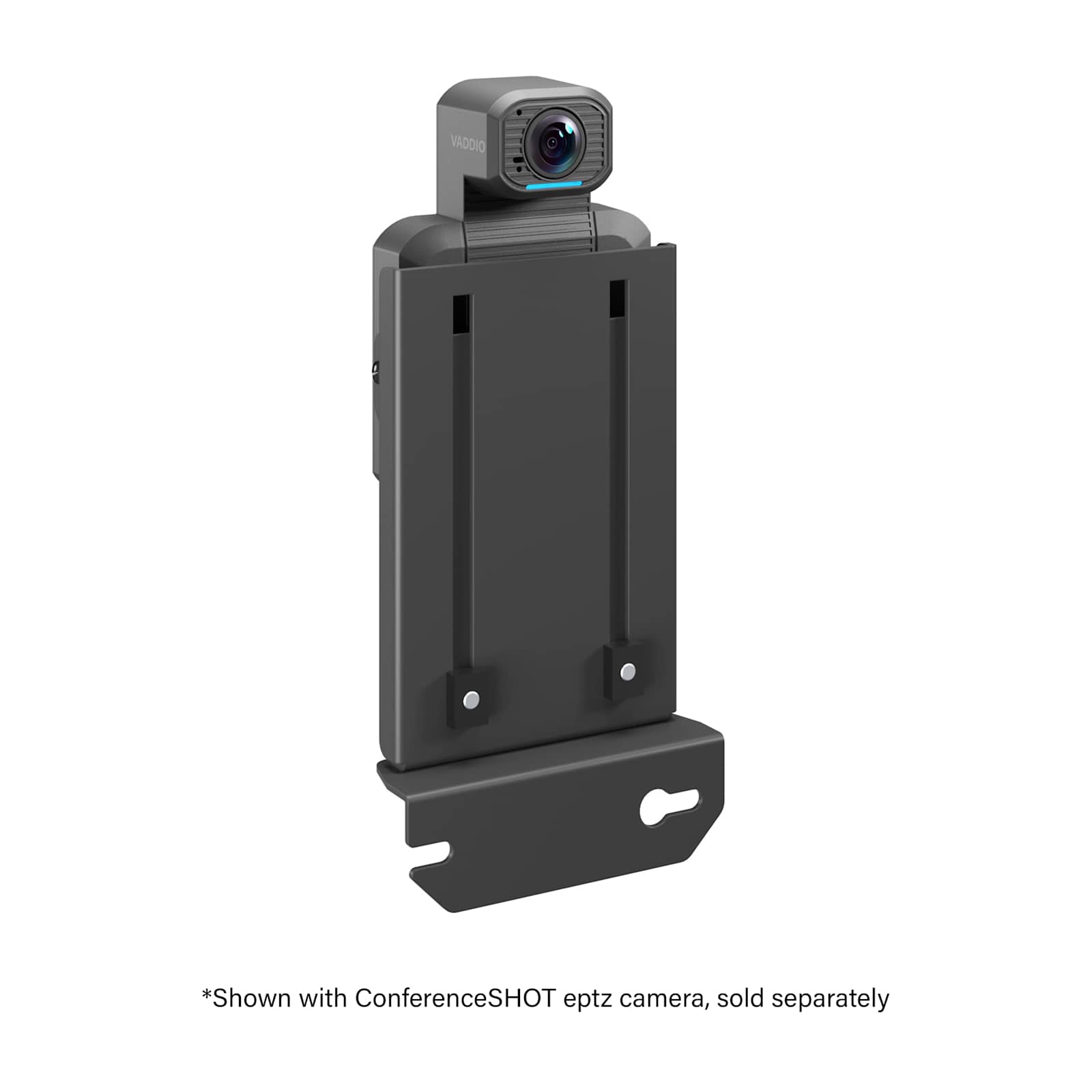 Above/Below ConferenceSHOT ePTZ Camera Mount for Large Displays
PAC800K$116.00
Above/Below ConferenceSHOT ePTZ Camera Mount for Large Displays
PAC800K$116.00
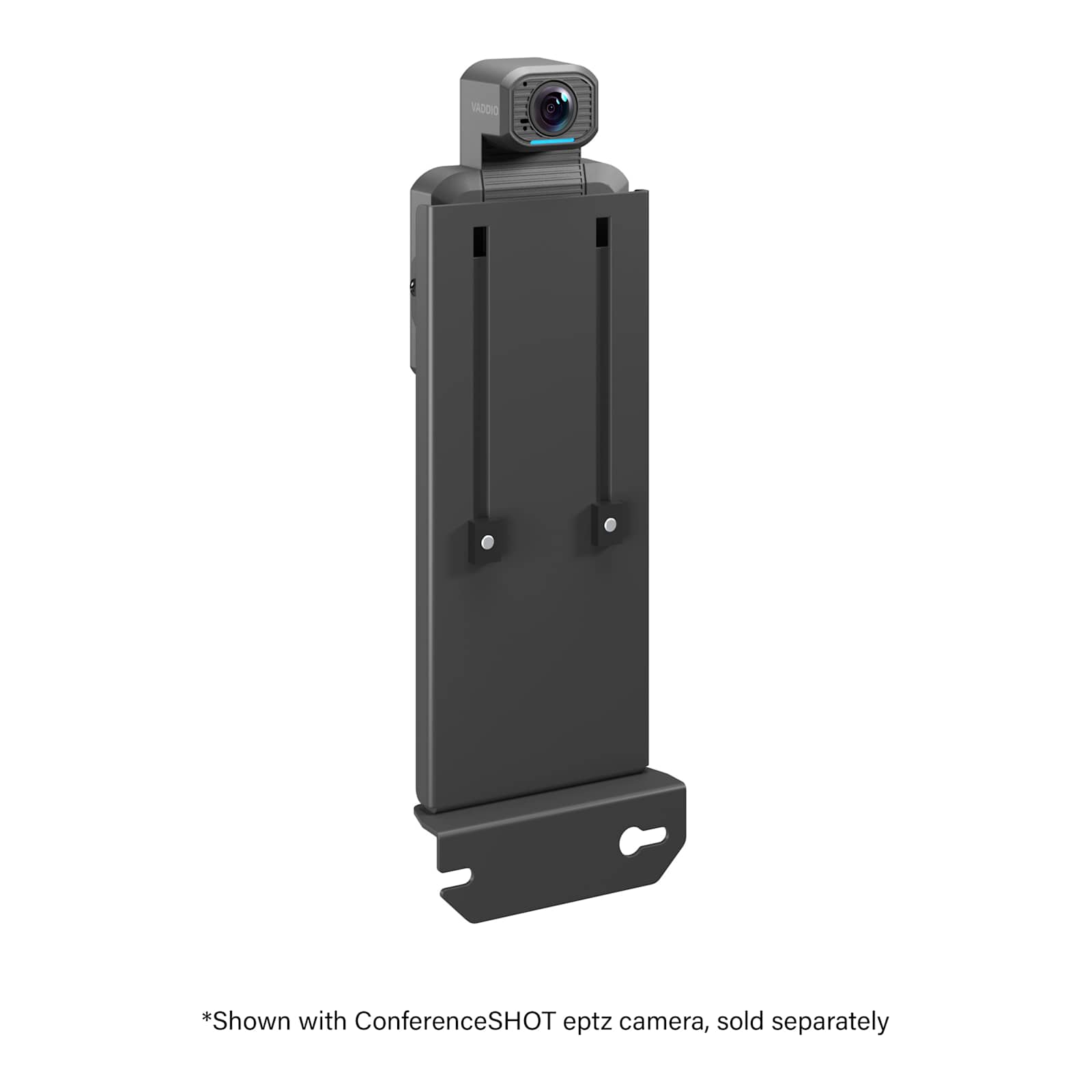 Above/Below ConferenceSHOT ePTZ Camera Mount for XL Displays
PAC810K$125.60
Above/Below ConferenceSHOT ePTZ Camera Mount for XL Displays
PAC810K$125.60
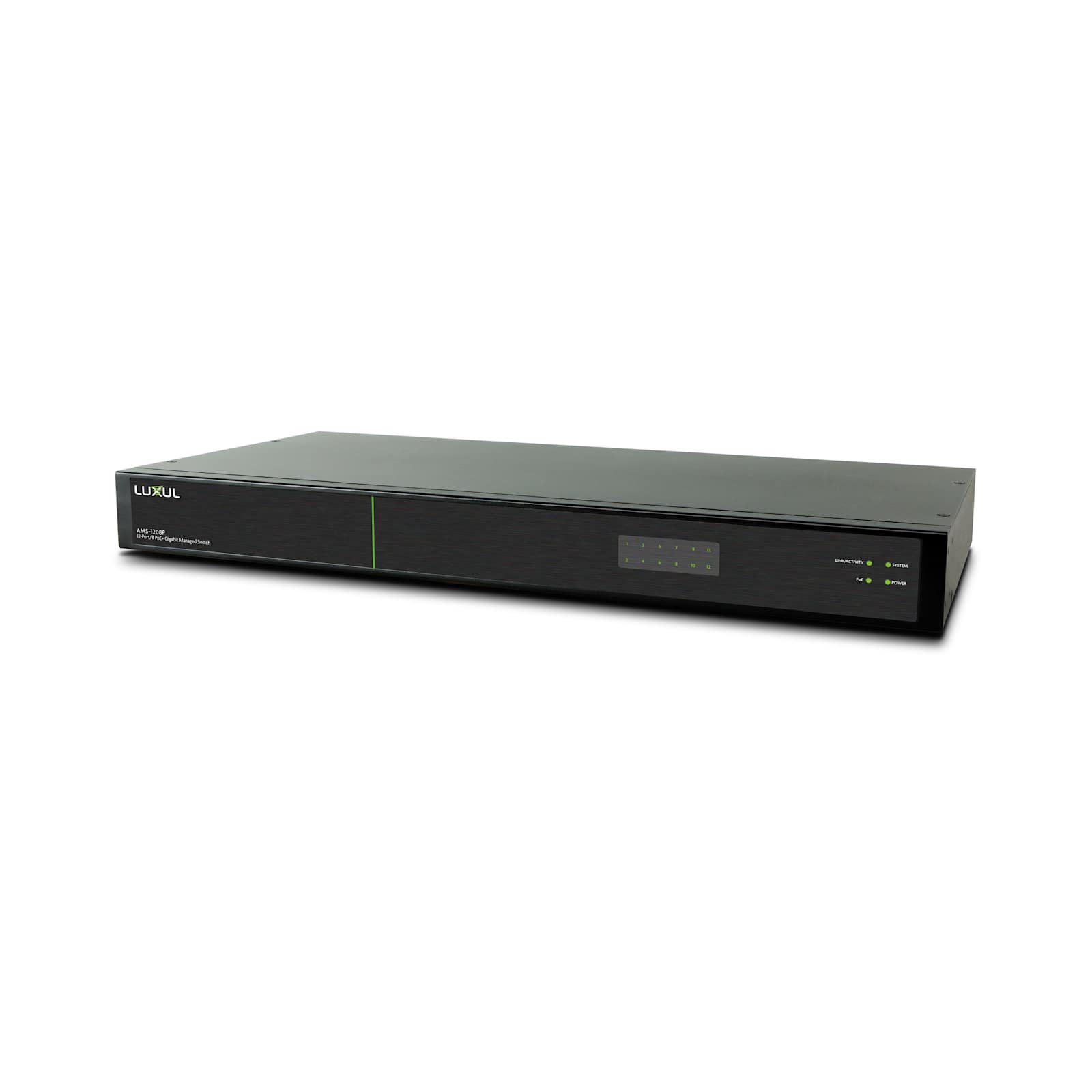 EasyIP Switch
999-11208-000$771.30
EasyIP Switch
999-11208-000$771.30
 EasyIP CeilingMIC D Microphone
999-85820-000$847.80
EasyIP CeilingMIC D Microphone
999-85820-000$847.80
 EasyIP Ceiling Speaker D
999-86650-000$478.80
EasyIP Ceiling Speaker D
999-86650-000$478.80
 Vaddio Device Controller
999-42300-000$855.00
Vaddio Device Controller
999-42300-000$855.00
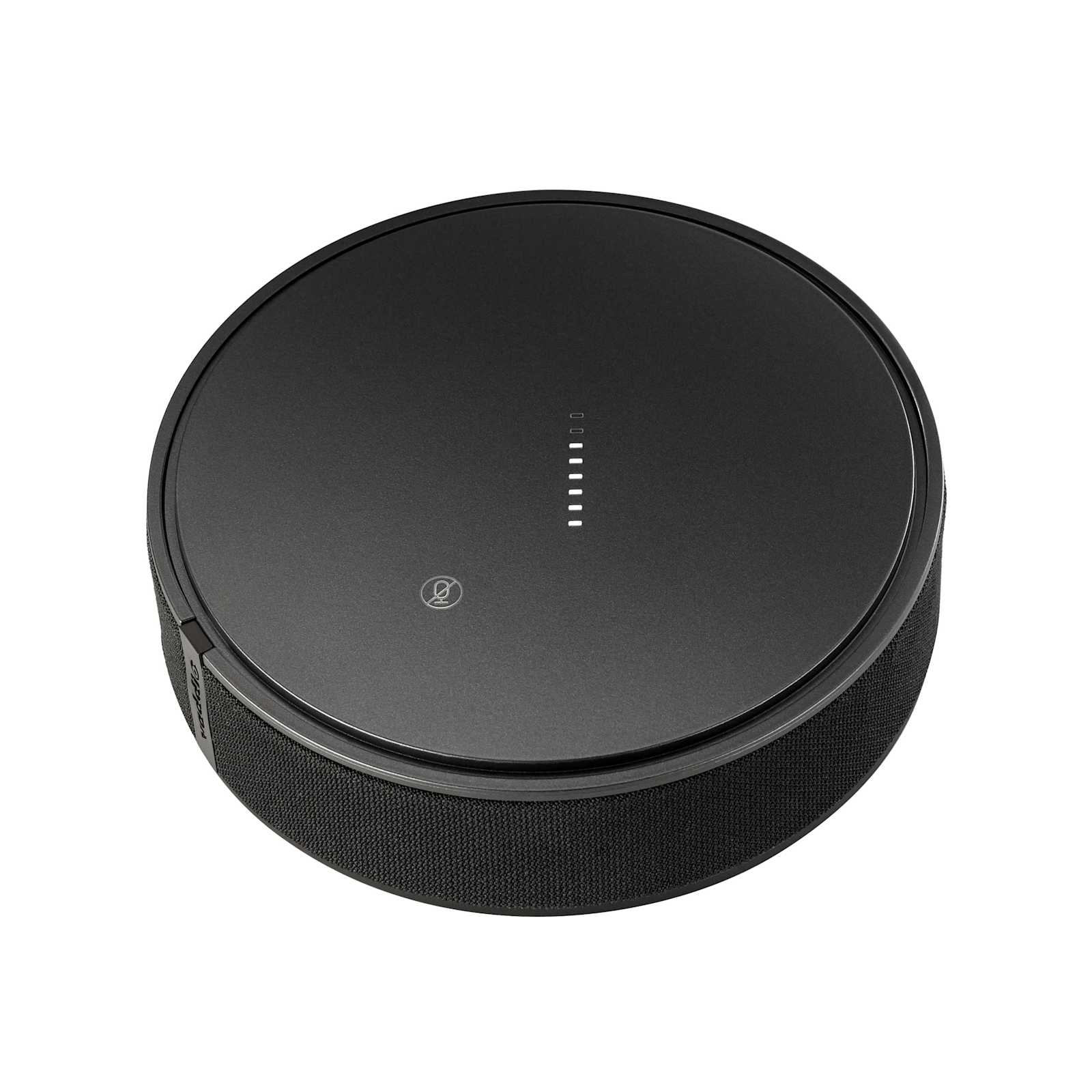 EasyIP TableMIC D Microphone
999-85300-000$847.80
EasyIP TableMIC D Microphone
999-85300-000$847.80
 EasyIP Decoder
999-60210-000$900.90
EasyIP Decoder
999-60210-000$900.90
 EasyIP Mixer
999-60320-000$2,361.60
EasyIP Mixer
999-60320-000$2,361.60
 Thinstall™ Above/Below ConferenceSHOT ePTZ for Large Displays
TA210K$113.60
Thinstall™ Above/Below ConferenceSHOT ePTZ for Large Displays
TA210K$113.60
Questions about this part
What do I need to add the Vaddio 999-30150-000 to my conferencing system?
To use this as a USB camera, you must purchase an EasyIP Decoder (999-60210-000) to convert the network signal to USB. For complex routing and overlays, an EasyIP Mixer (999-60320-000) is recommended.
Can I mount the EasyIP 5 ePTZ camera on a ceiling or a display?
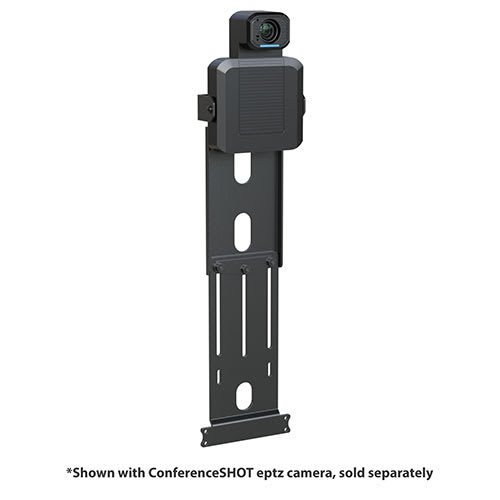
This SKU includes a tilting wall mount bracket for table framing. For other installations, you can separately acquire a ceiling mount or specialized on-display mounts.
How does the IntelliFrame auto-framing work?
It uses motion-based technology to automatically frame participants. Installers can choose from three modes: Conservative Conference for low-motion, Responsive Conference for high-activity, or the Default Conference setting.
Does the camera require a separate power supply?
No, the camera is powered via PoE (Power over Ethernet) through the network cable, simplifying the installation in huddle or large rooms.
What documentation is available for submittals and installation?
Full technical details are available in the EasyIP 5 ePTZ Camera Complete Manual, and installation steps are outlined in the Quick-Start Guide.