

Kontour™ K1D Dynamic Desk Mount, 2 Monitors, TAA-Compliant
Dynamic height-adjustable dual monitor desk mount for 10–32" displays, 5–25 lbs capacity per monitor, TAA-compliant
The Chief K1D220S-G is a Kontour™ K1D Dynamic Height-Adjustable Desk Mount designed to support two monitors in a workstation environment. This silver-finished mount utilizes gas-spring technology to provide 13" (330 mm) of dynamic height adjustment, allowing users to move displays between sitting and standing positions effortlessly. Each monitor is supported by a weight capacity of 5–25 lbs (2.3–11.3 kg) per arm, making it suitable for a wide range of displays from 10" to 32" (254mm - 813mm) without the need for specialized heavy-duty hardware for lighter All-in-One units. Installation is streamlined through a 3-step process that includes a quick-release monitor interface for easy maintenance. The mounting system is versatile, allowing for desk clamping, grommet mounting, or through-bolt installation using the included kit. For cable management, tool-free covers are integrated into the design to maintain a professional appearance. This TAA-compliant mount also features patented Centris™ Extreme Tilt technology, providing a tilt range of +75° to -10° for optimal viewing angles. Users can configure the displays in either landscape or portrait orientation to suit their specific workflow requirements.
Specifications are supplied by the manufacturer. For complete details, check the Resources section.Key features
Specifications
Main specifications 8
| Maximum Extension | 21.6 in (54.9 cm) |
| Minimum Depth | 2.45 in (6.2 cm) |
| Shipping Dimensions | 35.5" x 10.5" x 10.5" (901.7 x 266.7 x 266.7 mm) |
| Shipping Weight | 17.4 lbs (7.9 kg) |
| Typical Screen Size | 10 - 32" (254mm - 813mm) |
| Weight Capacity | 5 - 25 lbs (2.3 - 11.3 kg) |
| Adjustability | ExtensionHeight AdjustableSwivelTilt |
| Application | Desk-Tabletop |
All other specifications 14
| Color | Silver |
| Dell Quick-Connect | No |
| Desktop Thickness Range | 0.5" - 2.5" (13mm - 63 mm) |
| Dual Array | No |
| Mounting Method | Desk Mount |
| Number of Arm Links | 2 |
| Number of Displays | 2 |
| Orientation | LandscapePortrait |
| Reduced Height | No |
| Special Features | Height AssistMulti-Display |
| TAA Compliant | Yes |
| Tilt | +75°-10° |
| UPC | 841872172224 |
| Certifications | TAA |
Resources
You'll need these with it
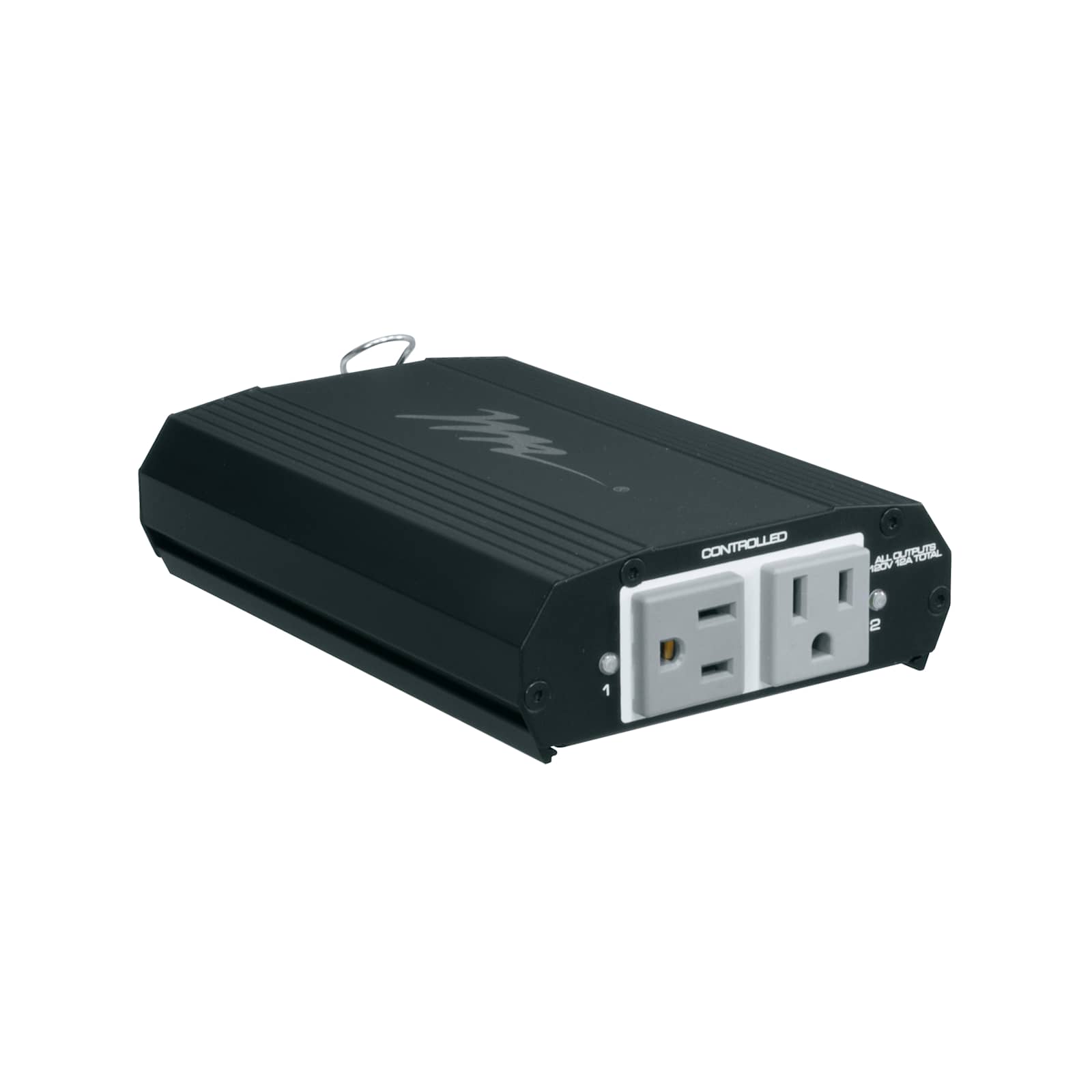 Select Series PDU with RackLink™, 2 Outlet
RLNK-215$429.30
Select Series PDU with RackLink™, 2 Outlet
RLNK-215$429.30
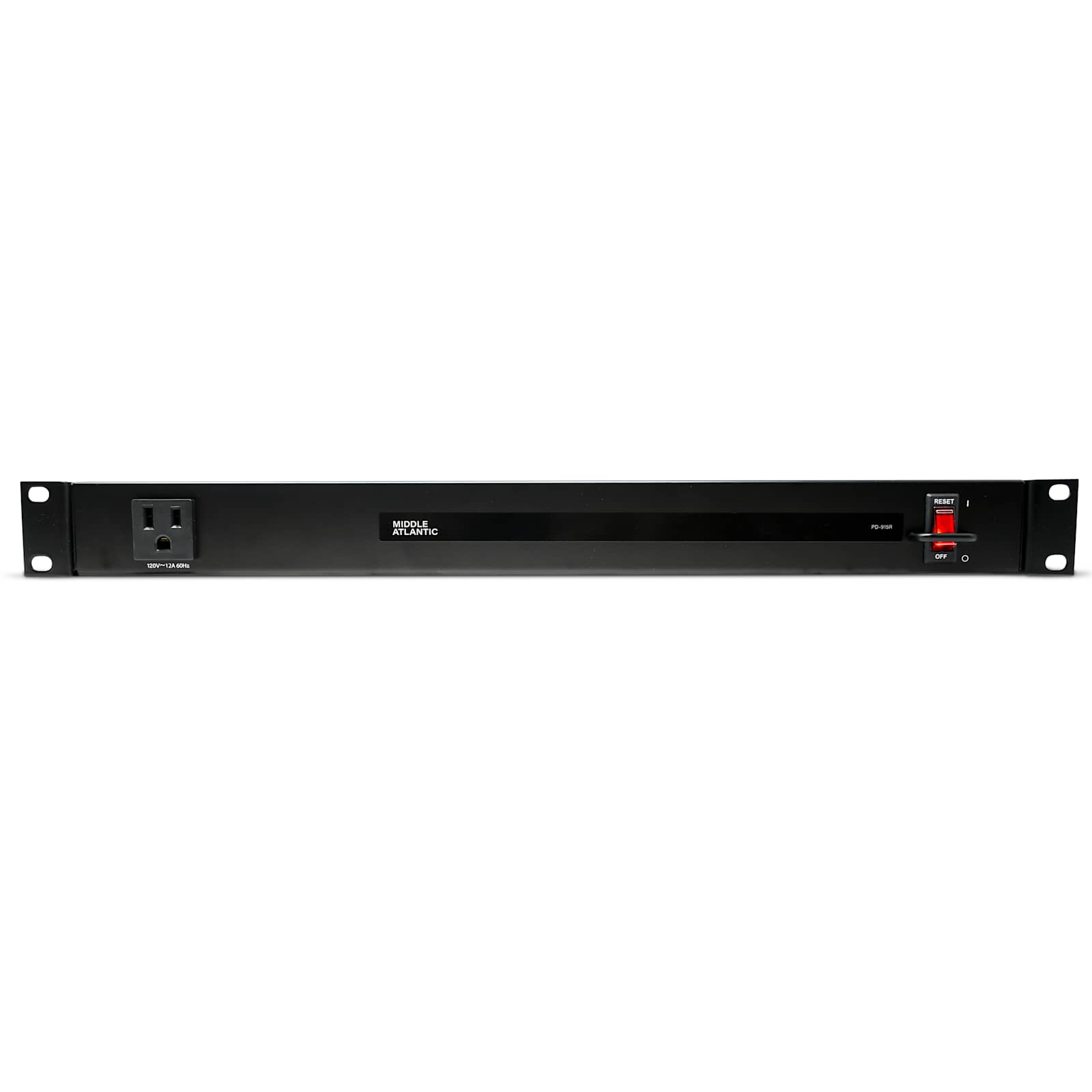 Rackmount Power, 9 Outlet, 15A, Basic Surge Protection - 9 ft Cord
PD-915R$223.20
Rackmount Power, 9 Outlet, 15A, Basic Surge Protection - 9 ft Cord
PD-915R$223.20
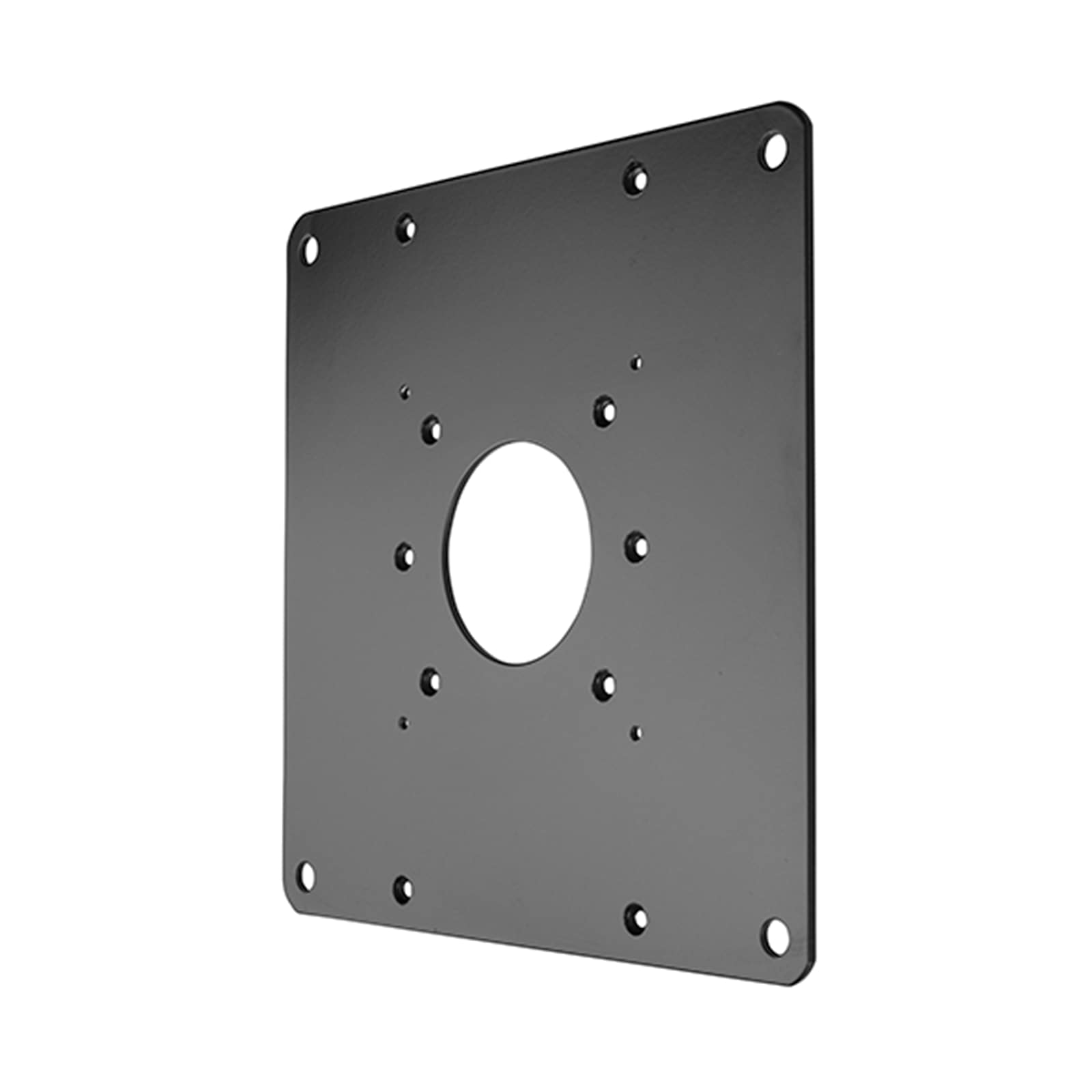 FSB1U, Small Flat Panel Universal Interface Bracket
FSB1U$56.80
FSB1U, Small Flat Panel Universal Interface Bracket
FSB1U$56.80
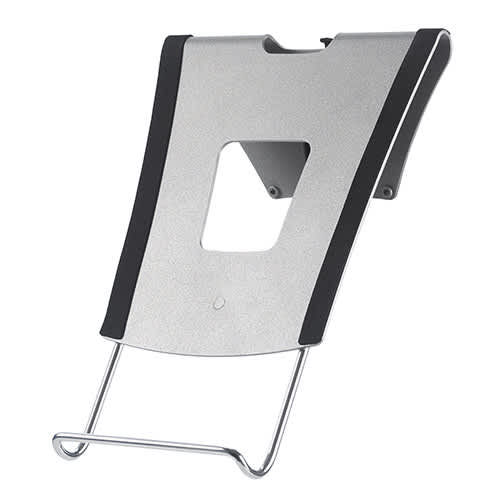 KRA300B, Kontour™ Laptop Tray Accessory
KRA300B$88.00
KRA300B, Kontour™ Laptop Tray Accessory
KRA300B$88.00
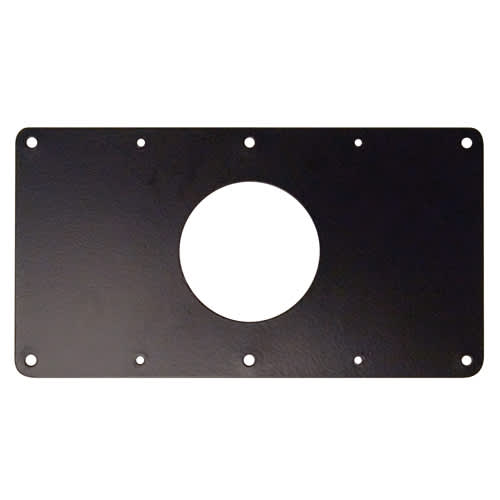 Small Flat Panel Interface Brackets -
FSB4243B$61.60
Small Flat Panel Interface Brackets -
FSB4243B$61.60
 Kontour™ KRA220 K1 and K2 Extension Arm, Black
KRA220B$50.40
Kontour™ KRA220 K1 and K2 Extension Arm, Black
KRA220B$50.40
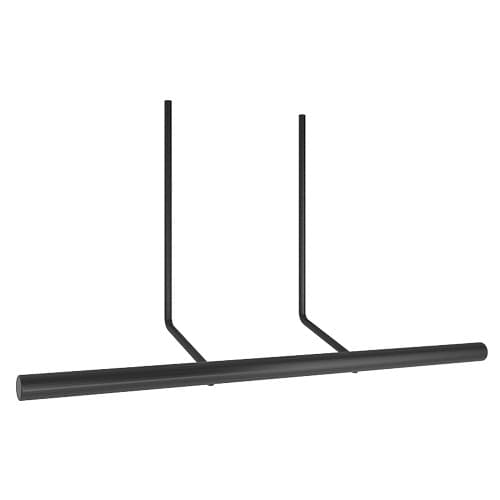 Kontour™ KRA224 Dual Monitor Array Handle Accessory
KRA224B$34.40
Kontour™ KRA224 Dual Monitor Array Handle Accessory
KRA224B$34.40
 Kontour™ KRA223 Dual Monitor Array Accessory, Black
KRA223B$144.00
Kontour™ KRA223 Dual Monitor Array Accessory, Black
KRA223B$144.00
 Kontour™ KRA219 K1 and K2 Narrow-Gap Table Clamp Kit
KRA219B$34.40
Kontour™ KRA219 K1 and K2 Narrow-Gap Table Clamp Kit
KRA219B$34.40
 Laptop & Tablet Tray, Silver
KRA300S$88.00
Laptop & Tablet Tray, Silver
KRA300S$88.00
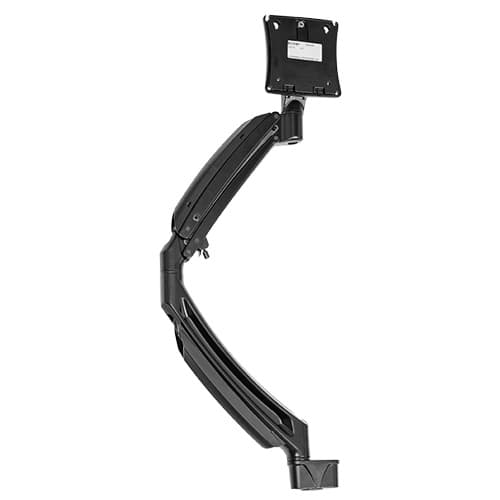 K1D, K1P, K1S and K1W Dual Monitor Upgrade Kit, Black
KRA227B$240.80
K1D, K1P, K1S and K1W Dual Monitor Upgrade Kit, Black
KRA227B$240.80
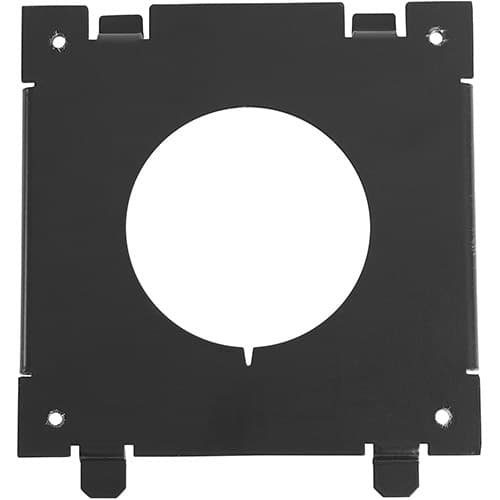 Quick-Connect Interface for Dell® Monitors KSA1250B-2
KSA1250B-2$36.80
Quick-Connect Interface for Dell® Monitors KSA1250B-2
KSA1250B-2$36.80
Questions about this part
Will the K1D220S-G fit my specific monitors?
This mount is designed for two 10–32" (254mm - 813mm) displays. It is verified for use with a wide range of monitors, provided they fall within the 5–25 lbs (2.3 - 11.3 kg) weight capacity per arm.
How do I mount this to my desk?
The K1D220S-G offers three mounting methods: it can be attached via a desk clamp, through a standard grommet hole, or via a through-bolt using the provided kit. It accommodates desktop thicknesses ranging from 0.5" to 2.5" (13mm - 63 mm).
What accessories are compatible with this dual monitor mount?
You can add specialized components such as the KRA300S laptop/tablet tray, the KRA220S extension arm, or the KRA223S dual monitor array accessory in silver to customize your workstation.
How much can I adjust the height and tilt?
The gas-spring technology allows for 13" (330 mm) of dynamic height adjustment. Additionally, the Centris™ Extreme Tilt mechanism allows for a tilt range of +75° to -10°.
Which documentation is used for submittals?
For technical submittals, you can download the K1D220 Technical Drawing (PDF) or the K1D220 CAD Drawing (dwg) from the resources tab.