

Kontour™ K1D Dynamic Desk Clamp Mount, 2 Monitors
Dynamic height-adjustable desk clamp mount for two 10–32" monitors, featuring gas-spring technology and Centris™ Extreme Tilt
The Chief K1D220B is a Kontour™ K1D Dynamic Height-Adjustable Desk Clamp Mount designed to hold two monitors in an optimal ergonomic position. Using smooth motion gas-spring technology, this mount provides 13" (330 mm) of dynamic height adjustment, allowing users to shift displays between sitting and standing positions with ease. Each arm features a weight capacity of 5 to 25 lbs (2.3 - 11.3 kg) per monitor, making it a versatile choice for everything from standard office displays to heavier All-in-One units. The integrated Centris™ Extreme Tilt technology allows for effortless fingertip positioning with a tilt range of +75° to -10°. This TAA-compliant workstation solution facilitates a clean workspace through tool-free cable management covers. Installation is streamlined via a 3-step process and a quick-release monitor interface for easy maintenance. The K1D220B can be secured to the edge of a desk, via a standard grommet hole, or through a bolt hole using the included kit. The mounting hardware accommodates a desktop thickness range of 0.5" to 2.5" (13mm - 63 mm). This black-finished, dual-arm system is constructed from forged aluminum and provides a maximum extension of 21.6 in (54.9 cm) and a minimum depth of 2.45 in (6.2 cm).
Specifications are supplied by the manufacturer. For complete details, check the Resources section.Key features
Specifications
Main specifications 8
| Maximum Extension | 21.6 in (54.9 cm) |
| Minimum Depth | 2.45 in (6.2 cm) |
| Shipping Dimensions | 35.5" x 10.5" x 10.5" (901.7 x 266.7 x 266.7 mm) |
| Shipping Weight | 17.79 lbs (8.1 kg) |
| Typical Screen Size | 10 - 32" (254mm - 813mm) |
| Weight Capacity | 5 - 25 lbs (2.3 - 11.3 kg) |
| Adjustability | ExtensionHeight AdjustableSwivelTilt |
| Application | Desk-Tabletop |
All other specifications 14
| Color | Black |
| Dell Quick-Connect | No |
| Desktop Thickness Range | 0.5" - 2.5" (13mm - 63 mm) |
| Dual Array | No |
| Mounting Method | Desk Mount |
| Number of Arm Links | 2 |
| Number of Displays | 2 |
| Orientation | LandscapePortrait |
| Reduced Height | No |
| Special Features | Height AssistMulti-Display |
| TAA Compliant | Yes |
| Tilt | +75°-10° |
| UPC | 841872160184 |
| Certifications | TAA |
Resources
You'll need these with it
 Select Series PDU with RackLink™, 2 Outlet
RLNK-215$429.30
Select Series PDU with RackLink™, 2 Outlet
RLNK-215$429.30
 Rackmount Power, 9 Outlet, 15A, Basic Surge Protection - 9 ft Cord
PD-915R$223.20
Rackmount Power, 9 Outlet, 15A, Basic Surge Protection - 9 ft Cord
PD-915R$223.20
 Small Flat Panel Interface Brackets -
FSB4243B$61.60
Small Flat Panel Interface Brackets -
FSB4243B$61.60
 Large Flat Panel Swing Arm Wall Mount (Metal Studs)- 25 Inch -PWRSKUB
PWRSKUB$821.60
Large Flat Panel Swing Arm Wall Mount (Metal Studs)- 25 Inch -PWRSKUB
PWRSKUB$821.60
 Large Flat Panel Swing Arm Wall Mount - 25 Inch (without interface)-PWR2000B
PWR2000B$493.60
Large Flat Panel Swing Arm Wall Mount - 25 Inch (without interface)-PWR2000B
PWR2000B$493.60
 Kontour™ KRA221B K1C Expansion Arm Kit
KRA221B$228.00
Small Flat Panel Interface Brackets - FSB4243B
FSB4243B$61.60
Large Flat Panel Swing Arm Wall Display Mount - 25 Inch Extension-PWRUB
PWRUB$649.60
Kontour™ KRA221B K1C Expansion Arm Kit
KRA221B$228.00
Small Flat Panel Interface Brackets - FSB4243B
FSB4243B$61.60
Large Flat Panel Swing Arm Wall Display Mount - 25 Inch Extension-PWRUB
PWRUB$649.60
 15ft (4.5m) Core Series High Speed HDMI® Cable with Ethernet
CG50612$22.99
15ft (4.5m) Core Series High Speed HDMI® Cable with Ethernet
CG50612$22.99
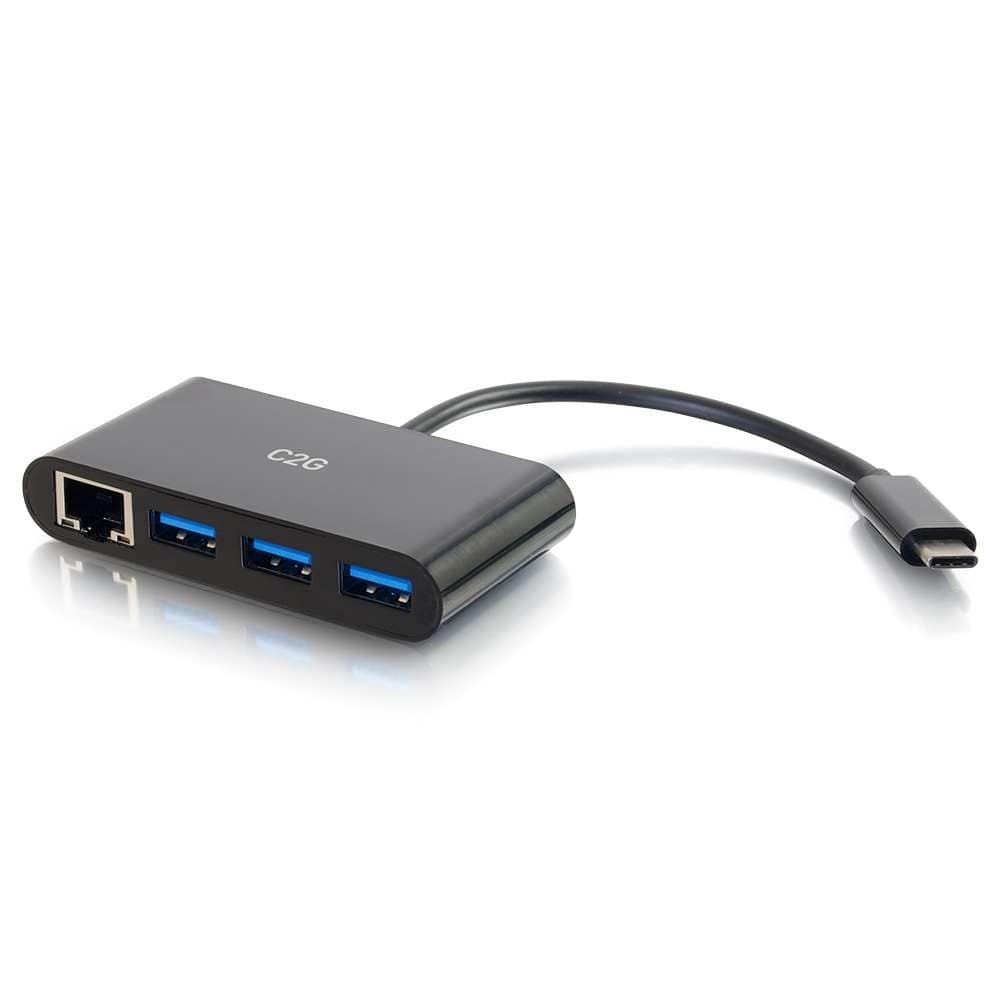 USB-C® to Ethernet Adapter with 3-Port USB Hub - Black
CG29747$79.99
USB-C® to Ethernet Adapter with 3-Port USB Hub - Black
CG29747$79.99
Verified fitment
Questions about this part
Will this mount fit my specific monitor?
The K1D220B is verified against 3,403 display models from 196 manufacturers, including Dell 1907FP, Samsung 220TN, and Sony FWD32R420A.
What is the weight limit for each monitor arm?
Each arm has a weight capacity of 5 to 25 lbs (2.3 to 11.3 kg) per monitor, accommodating both lightweight and heavier displays.
How is the mount attached to my desk?
You can install the mount using the desk clamp for edge mounting, a standard grommet hole, or a bolt hole with the included kit.
What tools are required for installation?
Installation requires the tools listed in the K1D Series Installation Manual, and the system includes updated tool storage in the base for convenience.
How do I adjust the tilt on these arms?
The Centris™ Extreme Tilt technology allows for effortless, fingertip adjustment through a range of +75° to -10°.