

Kontour™ K1C Quad 2x2 Monitor Dynamic Column Mount-K1C420S
Quad 2x2 monitor mount for 10-36" displays with dynamic height adjustment and Centris Extreme Tilt technology
The Chief K1C420S is a Kontour™ K1C Quad 2x2 monitor mount designed for dynamic height-adjustable workstation applications. This silver-finished mounting solution accommodates four displays ranging from 10" to 36" in size. It is engineered for professional environments like offices and healthcare facilities where ergonomic flexibility is required. The system features 13" (330 mm) of dynamic height adjustment via gas-spring technology, complemented by an additional 7" (178 mm) of manual height adjustment on the column, providing a total height adjustment range of 20" (508 mm). Each display can be positioned using patented Centris™ Extreme Tilt technology, offering a tilt range of +75° to -10°. This mount supports both landscape and portrait orientations and is compatible with VESA mounting patterns of 75 x 75mm and 100 x 100mm. Installation is simplified through a 3-step process and quick-release monitor interface, with tool storage integrated into the updated base. The system clamps to the edge of a desk, through a standard grommet hole, or through a bolt hole using the included kit.
Specifications are supplied by the manufacturer. For complete details, check the Resources section.Key features
Specifications
Main specifications 8
| Maximum Extension | 25.5 in (64.8 cm) |
| Minimum Depth | 2.45 in (6.2 cm) |
| Shipping Dimensions | 36.5" x 18.25" x 12.75" (927.1 x 463.6 x 323.9 mm) |
| Shipping Weight | 33 lbs (15 kg) |
| Typical Screen Size | 10 - 36" (254mm - 914mm) |
| Weight Capacity | 5-20lbs (2.3 - 9.07 kg) |
| Adjustability | ExtensionHeight AdjustableSwivelTilt |
| Application | Desk-Tabletop |
All other specifications 11
| Color | Silver |
| Dual Array | No |
| Number of Arm Links | 2 |
| Number of Displays | 4 |
| Orientation | LandscapePortrait |
| Reduced Height | No |
| Special Features | Height AssistMulti-Display |
| TAA Compliant | No |
| Tilt | +75° / -10° |
| UPC | 841872171371 |
| VESA Mounting Pattern | 75 x 75mm, 100 x 100mm |
Resources
You'll need these with it
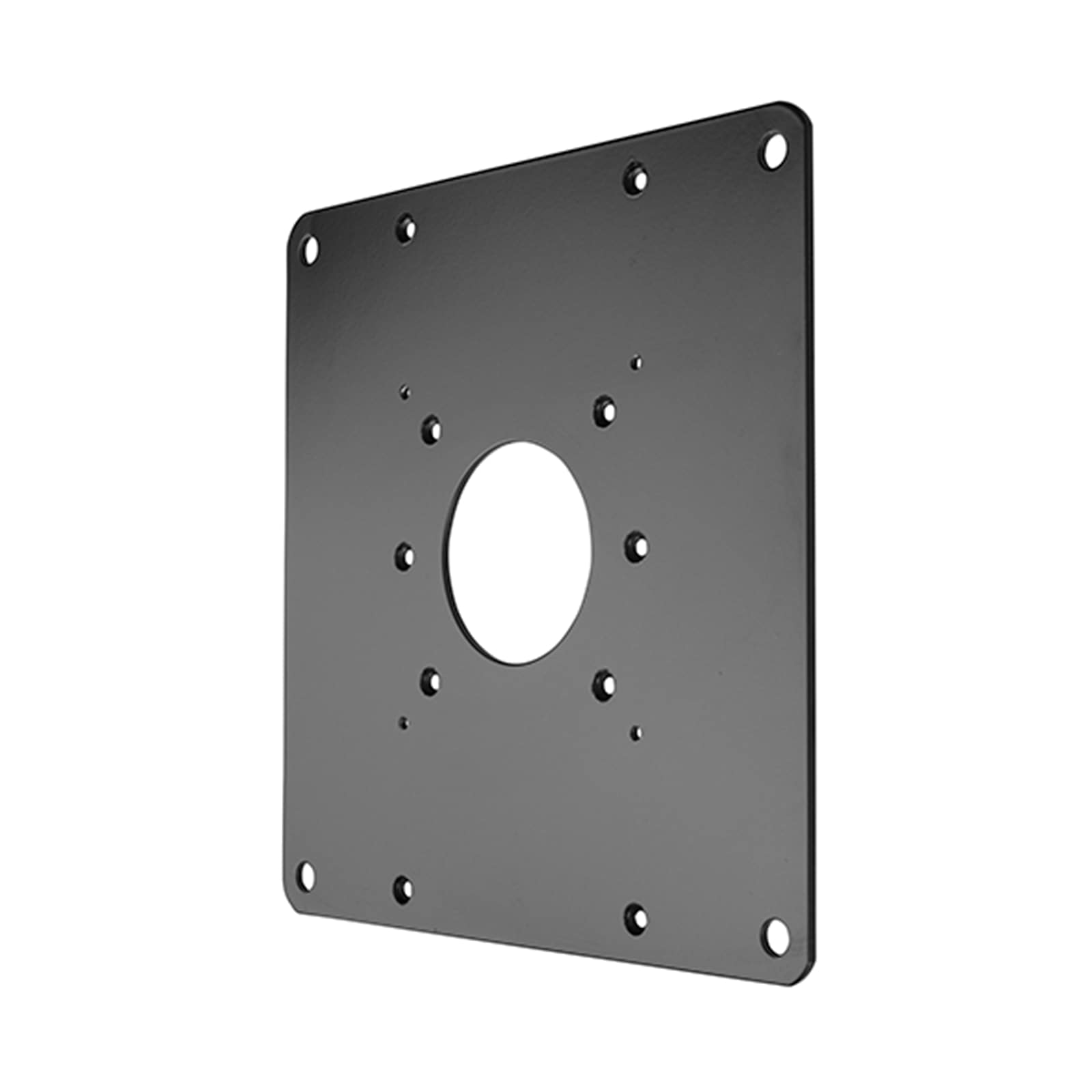 FSB1U, Small Flat Panel Universal Interface Bracket
FSB1U$56.80
FSB1U, Small Flat Panel Universal Interface Bracket
FSB1U$56.80
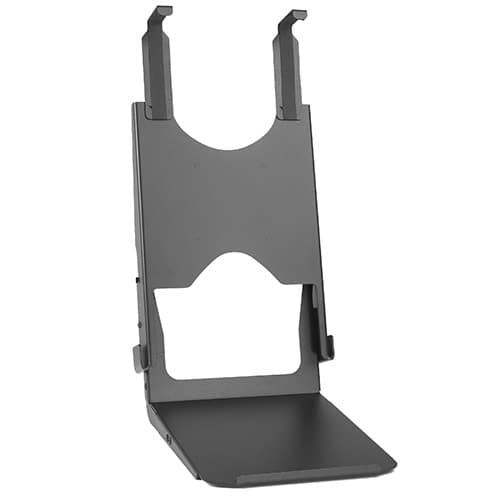 Custom Interface Bracket for Cisco EX90 and K2-series Mounts
FSB4090B$312.80
Custom Interface Bracket for Cisco EX90 and K2-series Mounts
FSB4090B$312.80
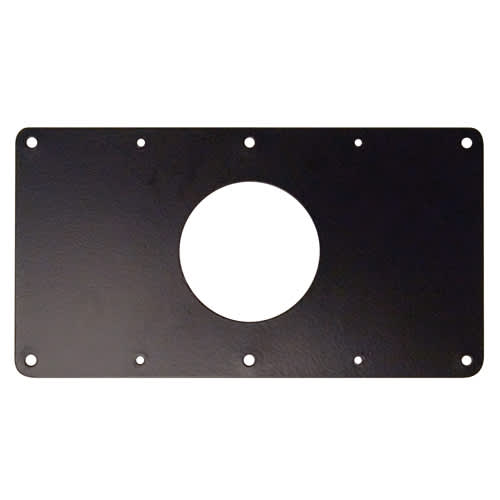 Small Flat Panel Interface Brackets -
FSB4243B$61.60
Small Flat Panel Interface Brackets - FSB4245B
FSB4245B$61.60
Small Flat Panel Interface Brackets -
FSB4243B$61.60
Small Flat Panel Interface Brackets - FSB4245B
FSB4245B$61.60
 Large Flat Panel Swing Arm Wall Mount (Metal Studs)- 25 Inch -PWRSKUB
PWRSKUB$821.60
Large Flat Panel Swing Arm Wall Mount (Metal Studs)- 25 Inch -PWRSKUB
PWRSKUB$821.60
 Large Flat Panel Swing Arm Wall Mount - 25 Inch (without interface)-PWR2000B
PWR2000B$493.60
Large Flat Panel Swing Arm Wall Mount - 25 Inch (without interface)-PWR2000B
PWR2000B$493.60
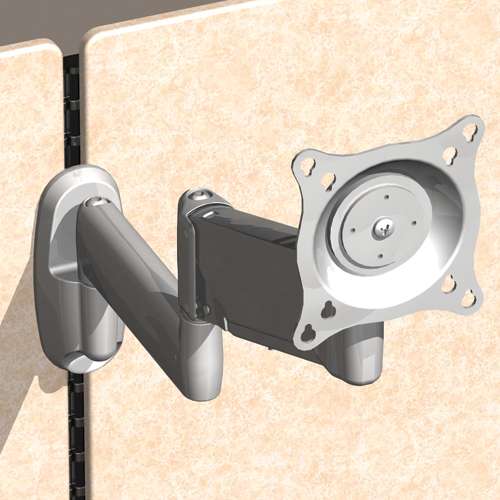 Office Furniture Bracket for Steelcase® Series 9000 system
OFB140$44.00
Office Furniture Bracket for Steelcase® Series 9000 system
OFB140$44.00
 Laptop & Tablet Tray, Silver
KRA300S$88.00
Laptop & Tablet Tray, Silver
KRA300S$88.00
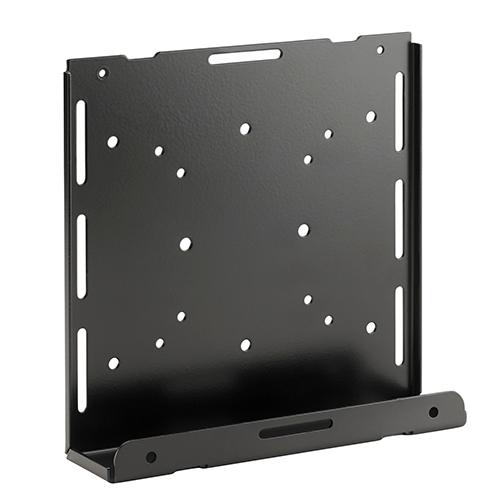 Thin Client PC Mounting Accessory, Column Mount
KRA232B$75.20
Thin Client PC Mounting Accessory, Column Mount
KRA232B$75.20
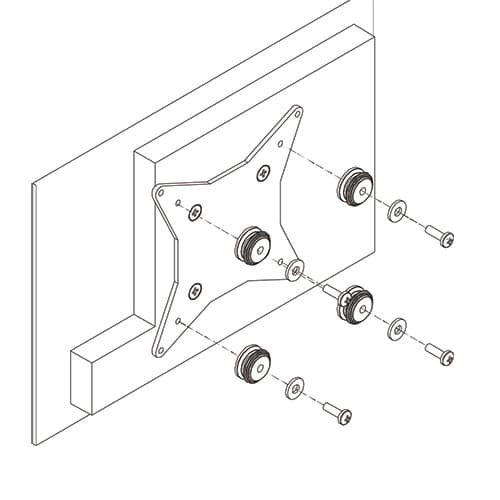 50x50mm VESA Interface Bracket
FSB4073$47.20
50x50mm VESA Interface Bracket
FSB4073$47.20
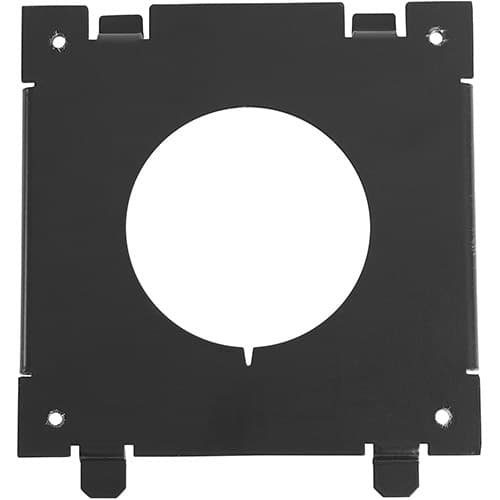 Quick-Connect Interface for Dell® Monitors KSA1250B-2
KSA1250B-2$36.80
Quick-Connect Interface for Dell® Monitors KSA1250B-2
KSA1250B-2$36.80
 Kontour™ KRA226 Center-of-Table Grommet Plate, Silver
KRA226S$28.80
Kontour™ KRA226 Center-of-Table Grommet Plate, Silver
KRA226S$28.80
Verified fitment
Questions about this part
Will the K1C420S fit my specific monitor?
This mount is verified against 624 display models from 41 manufacturers, including the Samsung C24FG70FQ, LG 22LB457U, and Dell AW2724HF.
What is the weight capacity for each display?
The mount supports a weight capacity of 5-20lbs (2.3 - 9.07 kg) per display.
What additional accessories are needed for specialized mounting?
You can add a KRA233B Secure Thin Client PC Mounting Accessory or a KRA300S Laptop & Tablet Tray to customize your workstation.
How do I mount this to my desk?
The K1C420S can be installed using the included kit to clamp to the desk edge, through a standard grommet hole, or through a bolt hole.
Which technical documents are available for submittals?
Installers can refer to the K1C Series Installation Manual for setup or the K1C420 Technical Drawing (PDF) for detailed dimensions.