

Kontour™ K1C Dynamic Column Mount, 2 Monitors-K1C210S
Dynamic height-adjustable column mount for two 10" - 24" displays, featuring gas-spring movement and Centris™ Extreme Tilt
The Chief K1C210S is a Kontour™ K1C Dynamic Height-Adjustable Column Mount designed for dual-monitor workstation setups. This silver-finished mount facilitates a highly ergonomic workspace by allowing users to float two displays in the optimal viewing position. It supports two monitors with typical screen sizes ranging from 10" to 24" diagonals and a weight capacity per display of 5 - 25 lbs (2.3 - 11.3 kg). Users can achieve 13.9 in (0.4 m) of maximum extension through smooth motion gas-spring technology, supplemented by an additional 7" (178 mm) of manual height adjustment on the column for a total of 20" (508 mm) of height adjustment range. The Centris™ Extreme Tilt technology enables effortless positioning with a tilt range of +75° to -10°. This model is a desk-tabletop application, supporting landscape or portrait orientations for a customized workflow. Installation is streamlined through a 3-step process and a quick-release monitor interface, with integrated tool storage located in the updated base.
Specifications are supplied by the manufacturer. For complete details, check the Resources section.Key features
Specifications
Main specifications 8
| Maximum Extension | 13.9 in (0.4 m) |
| Minimum Depth | 2.45 in (6.2 cm) |
| Shipping Dimensions | 26.25" x 24.75" x 6"(666.8 x 628.7 x 152.4 mm) |
| Shipping Weight | 16.97 lbs (7.7 kg) |
| Typical Screen Size | 10" - 24" (254mm - 609.6 mm) diagonals |
| Weight Capacity | 5 - 25 lbs (2.3 - 11.3 kg) |
| Adjustability | ExtensionHeight AdjustableSwivelTilt |
| Application | Desk-Tabletop |
All other specifications 12
| Array Configuration | 2x1 |
| Color | Silver |
| Dual Array | No |
| Number of Arm Links | 1 |
| Number of Displays | 2 |
| Orientation | LandscapePortrait |
| Reduced Height | No |
| Special Features | Height AssistMulti-Display |
| TAA Compliant | No |
| Tilt | +75°-10° |
| UPC | 841872160061 |
| VESA Mounting Pattern | 75 x 75mm, 100 x 100mm |
Resources
You'll need these with it
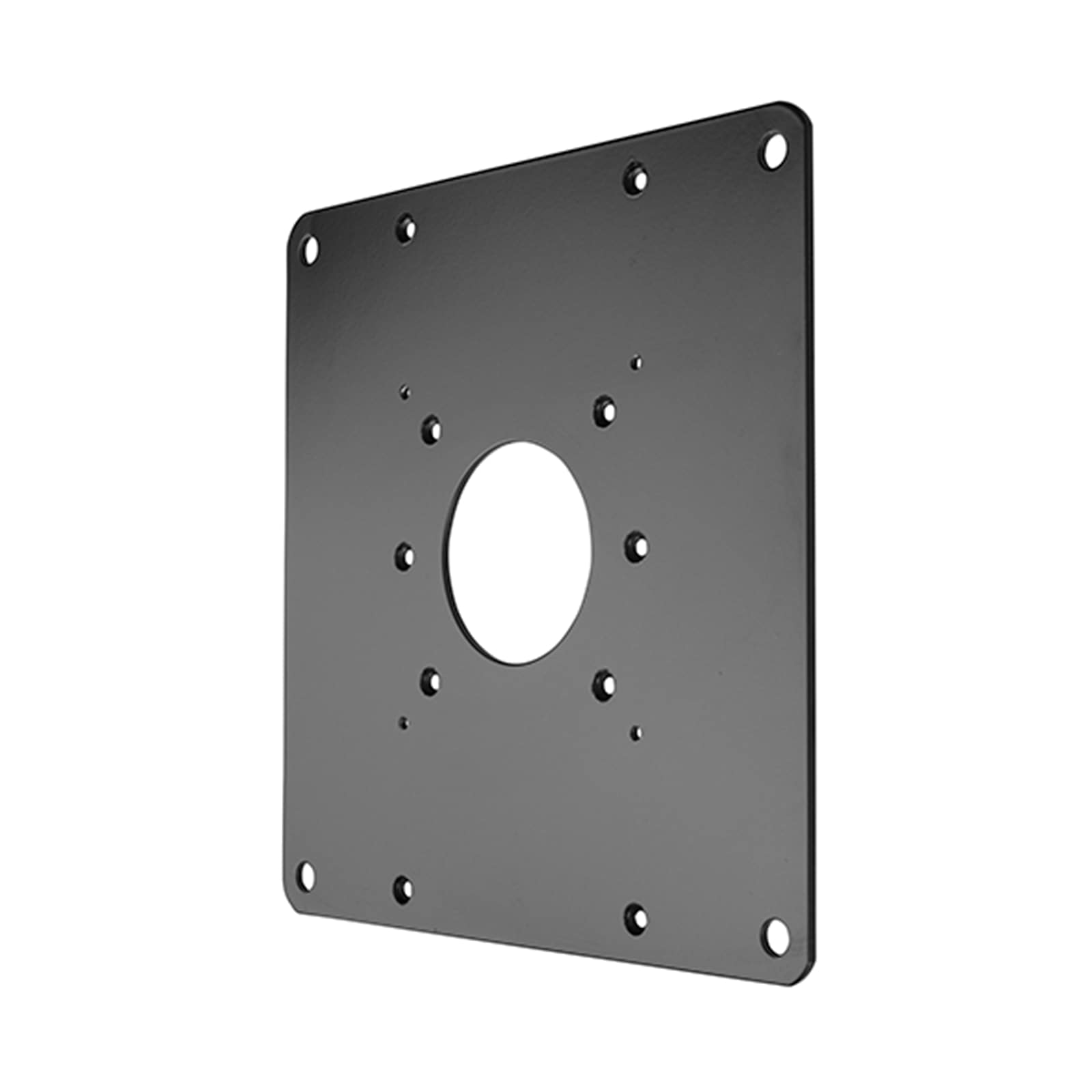 FSB1U, Small Flat Panel Universal Interface Bracket
FSB1U$56.80
FSB1U, Small Flat Panel Universal Interface Bracket
FSB1U$56.80
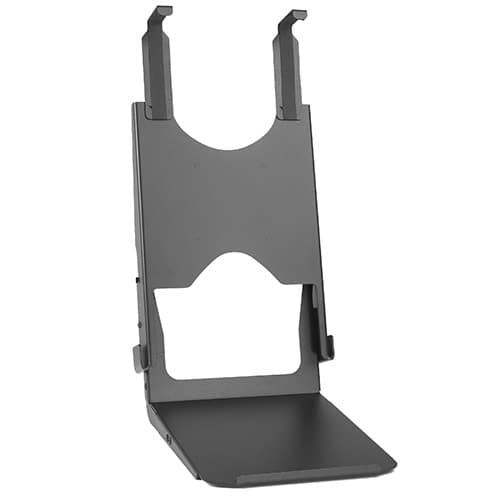 Custom Interface Bracket for Cisco EX90 and K2-series Mounts
FSB4090B$312.80
Custom Interface Bracket for Cisco EX90 and K2-series Mounts
FSB4090B$312.80
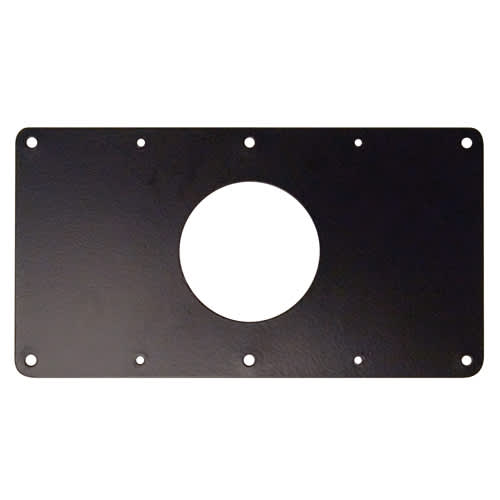 Small Flat Panel Interface Brackets -
FSB4243B$61.60
Small Flat Panel Interface Brackets - FSB4245B
FSB4245B$61.60
Small Flat Panel Interface Brackets -
FSB4243B$61.60
Small Flat Panel Interface Brackets - FSB4245B
FSB4245B$61.60
 Large Flat Panel Swing Arm Wall Mount (Metal Studs)- 25 Inch -PWRSKUB
PWRSKUB$821.60
Large Flat Panel Swing Arm Wall Mount (Metal Studs)- 25 Inch -PWRSKUB
PWRSKUB$821.60
 Large Flat Panel Swing Arm Wall Mount - 25 Inch (without interface)-PWR2000B
PWR2000B$493.60
Large Flat Panel Swing Arm Wall Mount - 25 Inch (without interface)-PWR2000B
PWR2000B$493.60
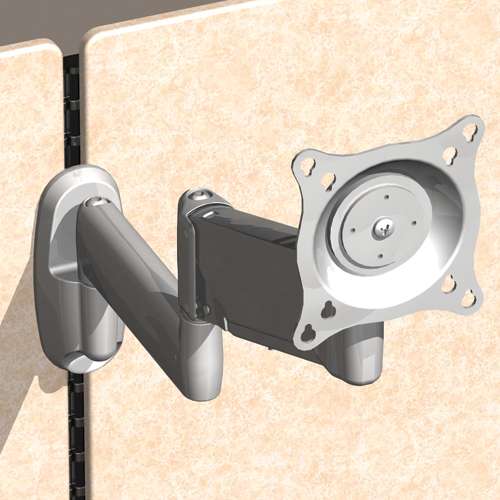 Office Furniture Bracket for Steelcase® Series 9000 system
OFB140$44.00
Office Furniture Bracket for Steelcase® Series 9000 system
OFB140$44.00
 Laptop & Tablet Tray, Silver
KRA300S$88.00
Laptop & Tablet Tray, Silver
KRA300S$88.00
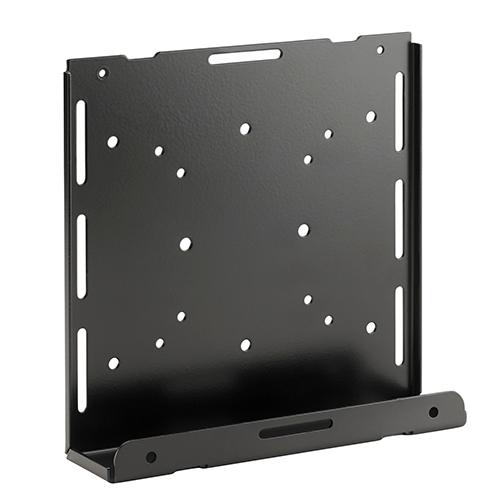 Thin Client PC Mounting Accessory, Column Mount
KRA232B$75.20
Thin Client PC Mounting Accessory, Column Mount
KRA232B$75.20
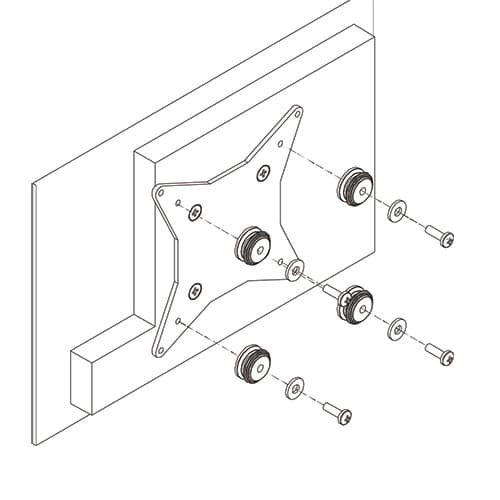 50x50mm VESA Interface Bracket
FSB4073$47.20
50x50mm VESA Interface Bracket
FSB4073$47.20
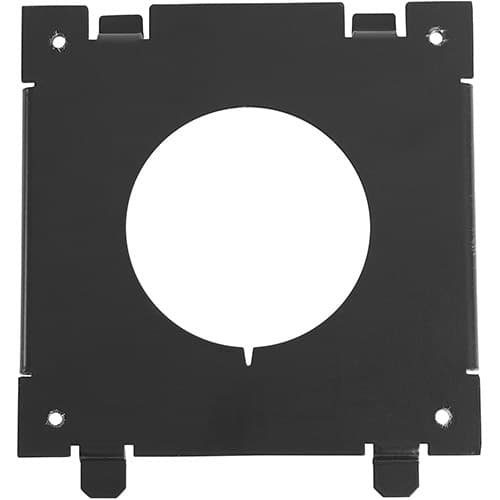 Quick-Connect Interface for Dell® Monitors KSA1250B-2
KSA1250B-2$36.80
Quick-Connect Interface for Dell® Monitors KSA1250B-2
KSA1250B-2$36.80
 Kontour™ KRA226 Center-of-Table Grommet Plate, Silver
KRA226S$28.80
Kontour™ KRA226 Center-of-Table Grommet Plate, Silver
KRA226S$28.80
Verified fitment
Questions about this part
Will the K1C210S fit my specific monitors?
The K1C210S is verified against 3,765 display models from 153 manufacturers, including Samsung 150MP, LG 17LS5R, Dell 1800FP, Sharp AS173MBK, NEC 1740CX, and Toshiba 15DL75.
What do I need to buy to mount this to my desk?
This unit includes a kit for clamping to the desk edge, mounting through a standard grommet hole, or through-bolt mounting. For specific desk configurations, you may need the Kontour™ KRA219S Narrow-Gap Table Clamp Kit.
Can I use this for portrait orientation?
Yes, the K1C210S supports both landscape and portrait orientations to accommodate your specific workstation requirements.
How much weight can this dual mount support?
The mount accommodates a weight capacity of 5 - 25 lbs (2.3 - 11.3 kg) per monitor, making it suitable for many all-in-one and standard monitors without needing a heavy-duty arm.
Which documents are available for submittals?
Technical drawings (PDF) and CAD drawings (dwg) are available, along with the K1C Series Installation Manual (PDF) and the Monitor Mount Selection Guide.