

Kontour™ K1C Dynamic Column Mount, 1 Monitor-K1C120B
Dynamic height-adjustable column mount for single displays, 5–25 lbs capacity, featuring Centris Extreme Tilt technology and TAA compliance
The Chief K1C120B is a Kontour™ K1C Dynamic Height-Adjustable Column Mount designed for single-display workstations in office, healthcare, or home environments. This black-finished mount provides significant ergonomic flexibility through both manual and dynamic adjustments. Users can achieve 13" (330 mm) of dynamic height adjustment using smooth-motion gas-spring technology, plus an additional 7" (178 mm) of manual height adjustment on the column, totaling a 20" (508 mm) height adjustment range. The integrated Centris™ Extreme Tilt technology allows for effortless fingertip positioning with a tilt range of +75° to -10°. This TAA-compliant mount supports a weight capacity of 5–25 lbs (2.3–11.3 kg) and accommodates VESA patterns of 75 x 75mm and 100 x 100mm. For a clean installation, it features tool-free cable management covers and a 2.45" (6.2 cm) minimum depth.
Specifications are supplied by the manufacturer. For complete details, check the Resources section.Key features
Specifications
Main specifications 8
| Maximum Extension | 22.5 in (57.2 cm) |
| Minimum Depth | 2.45 in (6.2 cm) |
| Shipping Dimensions | 33.75" x 17.5" x 6.5" (857.3 x 444.5 x 165.1 mm) |
| Shipping Weight | 14.15 lbs (6.4 kg) |
| Weight Capacity | 5 - 25 lbs (2.3 - 11.3 kg) |
| Adjustability | ExtensionHeight AdjustableSwivelTilt |
| Application | Desk-Tabletop |
| Color | Black |
All other specifications 11
| Dual Array | No |
| Number of Arm Links | 2 |
| Number of Displays | 1 |
| Orientation | LandscapePortrait |
| Reduced Height | No |
| Special Features | Extreme Tilt TechnologyHeight Assist |
| TAA Compliant | Yes |
| Tilt | +75°-10° |
| UPC | 841872160016 |
| VESA Mounting Pattern | 75 x 75mm, 100 x 100mm |
| Certifications | TAA |
Resources
You'll need these with it
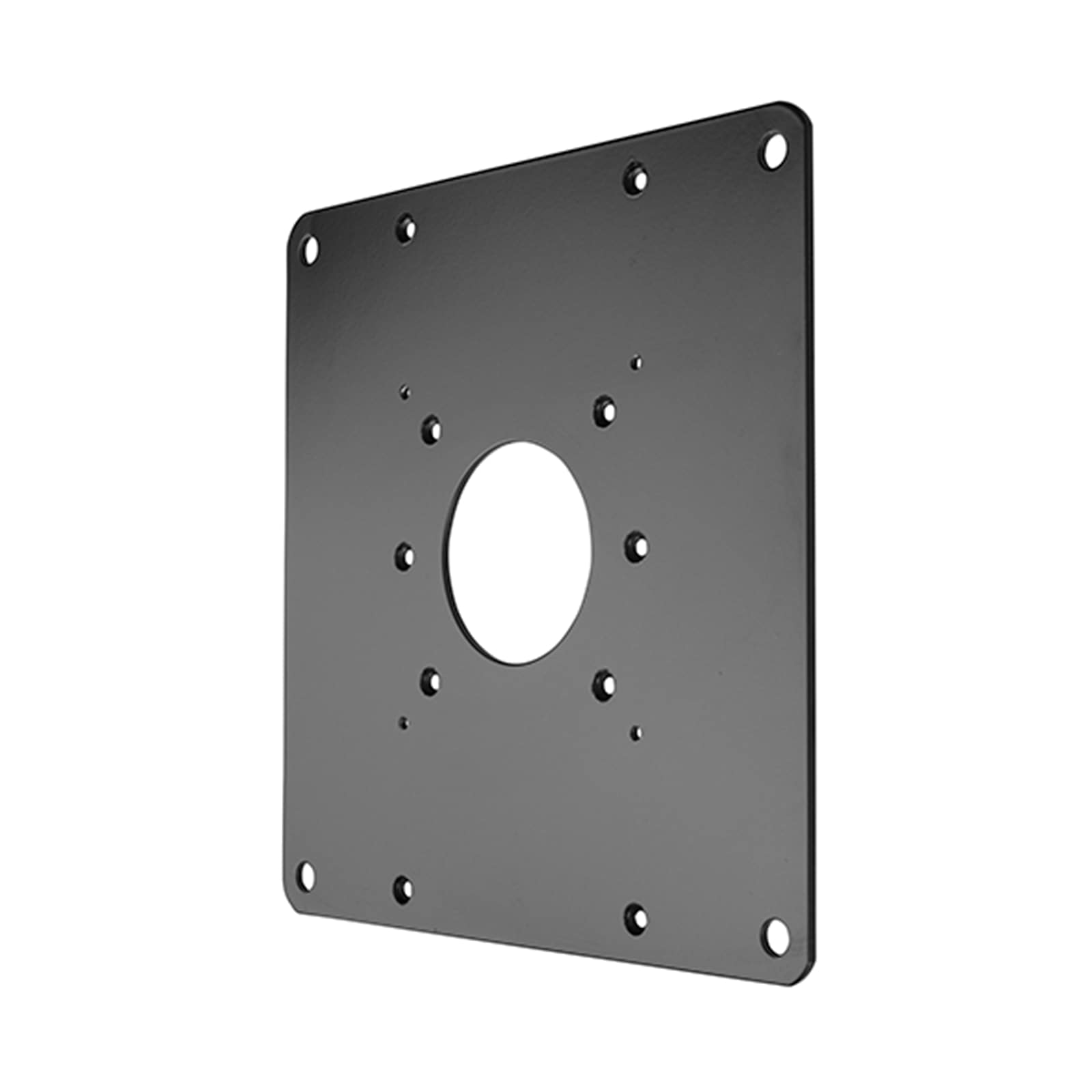 FSB1U, Small Flat Panel Universal Interface Bracket
FSB1U$56.80
FSB1U, Small Flat Panel Universal Interface Bracket
FSB1U$56.80
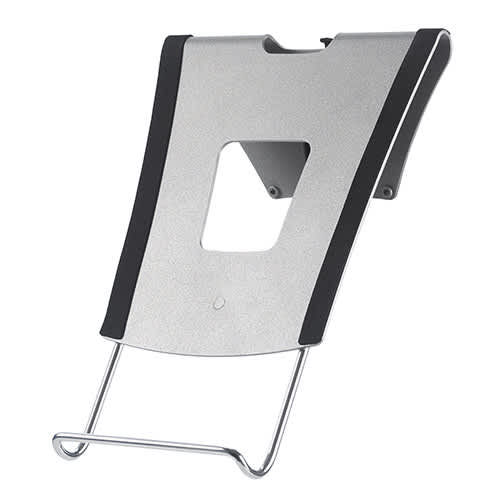 KRA300B, Kontour™ Laptop Tray Accessory
KRA300B$88.00
KRA300B, Kontour™ Laptop Tray Accessory
KRA300B$88.00
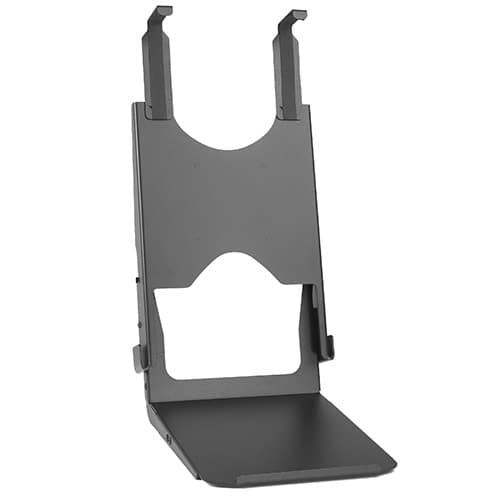 Custom Interface Bracket for Cisco EX90 and K2-series Mounts
FSB4090B$312.80
Custom Interface Bracket for Cisco EX90 and K2-series Mounts
FSB4090B$312.80
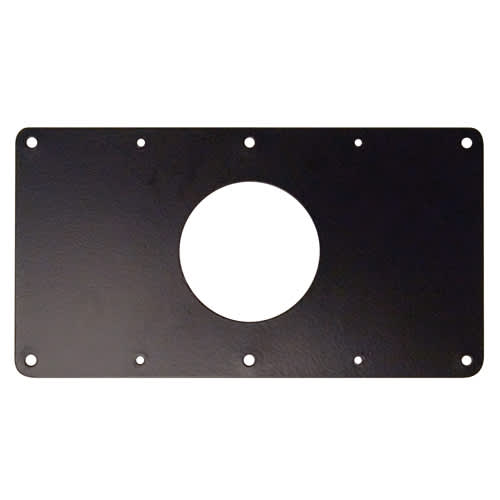 Small Flat Panel Interface Brackets -
FSB4243B$61.60
Small Flat Panel Interface Brackets - FSB4245B
FSB4245B$61.60
Small Flat Panel Interface Brackets -
FSB4243B$61.60
Small Flat Panel Interface Brackets - FSB4245B
FSB4245B$61.60
 Large Flat Panel Swing Arm Wall Mount (Metal Studs)- 25 Inch -PWRSKUB
PWRSKUB$821.60
Large Flat Panel Swing Arm Wall Mount (Metal Studs)- 25 Inch -PWRSKUB
PWRSKUB$821.60
 Large Flat Panel Swing Arm Wall Mount - 25 Inch (without interface)-PWR2000B
PWR2000B$493.60
Large Flat Panel Swing Arm Wall Mount - 25 Inch (without interface)-PWR2000B
PWR2000B$493.60
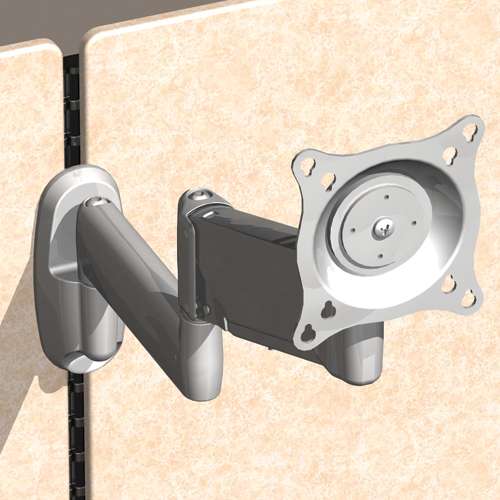 Office Furniture Bracket for Steelcase® Series 9000 system
OFB140$44.00
Office Furniture Bracket for Steelcase® Series 9000 system
OFB140$44.00
 Kontour™ KRA224 Dual Monitor Array Handle Accessory
KRA224B$34.40
Kontour™ KRA224 Dual Monitor Array Handle Accessory
KRA224B$34.40
 Kontour™ KRA221B K1C Expansion Arm Kit
KRA221B$228.00
Kontour™ KRA221B K1C Expansion Arm Kit
KRA221B$228.00
 Kontour™ KRA223 Dual Monitor Array Accessory, Black
KRA223B$144.00
Kontour™ KRA223 Dual Monitor Array Accessory, Black
KRA223B$144.00
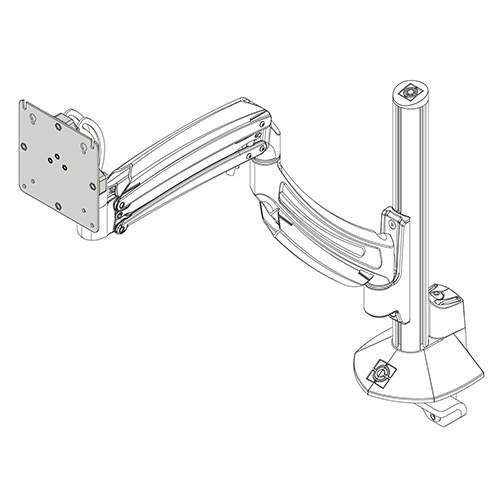 KX K1 Monitor Interface Plate, Black
KRA243B$32.00
KX K1 Monitor Interface Plate, Black
KRA243B$32.00
Verified fitment
Questions about this part
Will this K1C120B mount fit my monitor?
The K1C120B is verified against 2,727 display models from 149 manufacturers. It is compatible with VESA 75x75mm and 100x100mm patterns and supports weights between 5 and 25 lbs (2.3–11.3 kg). Examples include Samsung 220TN, Dell 1800FP, and Sony ELFSR2.
What do I need to buy to complete the installation?
This SKU is a single-display mount. If you need a laptop tray, you can add the KRA300B Kontour™ Laptop Tray Accessory. For non-standard VESA, interface brackets like the FSB1U or FSB4243B may be required.
How much height can I actually adjust?
The K1C120B offers a total height adjustment range of 20" (508 mm). This is achieved through 13" (330 mm) of gas-spring dynamic movement and 7" (178 mm) of manual column positioning.
How do I attach this to my desk?
The K1C120B can be installed using three methods: clamping to the edge of the desk, passing through a standard grommet hole, or using the included kit for a through-bolt installation.
Which document should I use for a submittal?
For technical dimensions, refer to the K1C120 Technical Drawing (PDF). The K1C Series Installation Manual (PDF) provides detailed mounting instructions for field installers.