

Tempo™ Flat Panel Wall Mount System
Universal wall mount for 49–86" displays, 200 lbs capacity, with tilt, extension, and lateral shift adjustability
The Chief AS3LD Tempo™ Flat Panel Wall Mount System is a configurable all-in-one solution designed to streamline AV installation workflows and increase field productivity. This system is engineered to simplify mass rollouts by allowing installers to pre-load small devices and cabling before arriving at the site. For installers requiring device management behind the display, the system supports 1 RU, 1.75" (44 mm) of storage clearance between the back of the display and the storage panel when set at a 0-degree tilt. This specific AS3LD model is configured for landscape orientation and features a black finish. Installation is accelerated by a wall plate and extending interface design that makes centering the display significantly easier. The mount provides 10° of adjustable tilt in 2.5° increments and includes a 1" (25 mm) post-installation leveling roll to ensure a perfect fit. For cable management, the unit includes six clips to maintain a clean, professional appearance. This model is ADA compliant when the display depth is less than 2" (51 mm). For users requiring additional mounting options, the AS3LD is the landscape-oriented version of this system.
Specifications are supplied by the manufacturer. For complete details, check the Resources section.Key features
Specifications
Main specifications 8
| Lateral Shift | Yes |
| Minimum Depth | 1.96 in (5 cm) |
| Overall Dimensions | 42.03” x 19.75” x 1.96” (1068 x 502 x 50 mm) |
| Product Weight | 29.48 lbs (13.4 kg) |
| Shipping Dimensions | 47.64" x 22" x 2.76" (121 x 55.9 x 7 cm) |
| Shipping Weight | 36.05 lbs (16.4 kg) |
| Typical Screen Size | 49” - 86” (1244mm - 2184mm) |
| Wall Stud Compatibility | 16” O.C.24” O.C. |
All other specifications 14
| Weight Capacity | 200 lbs (90.7 kg) |
| Adjustability | ExtensionLateral ShiftMicro-AdjustableTilt |
| Application | Wall |
| Color | Black |
| Includes PDU | No |
| Orientation | Landscape |
| Post-Installation Leveling Roll | 1" (25 mm) |
| Solution Type | Universal |
| Special Features | ADA Compliant |
| TAA Compliant | No |
| Tilt | -10° / +0° in 2.5° increments |
| UPC | 841872177564 |
| VESA Mounting Pattern | up to 970 x 450mm |
| Certifications | cULusOSHPDUL |
Resources
You'll need these with it
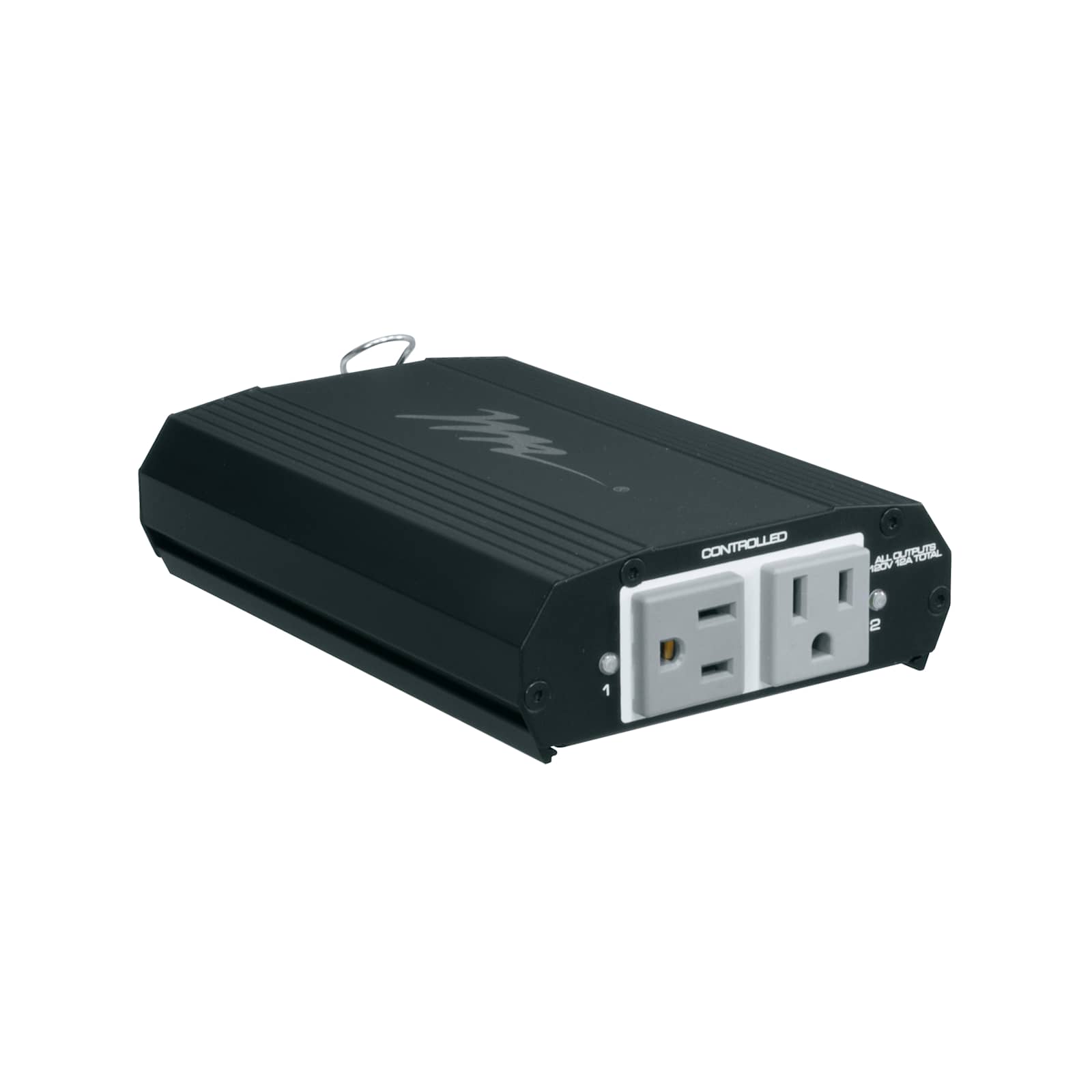 Select Series PDU with RackLink™, 2 Outlet
RLNK-215$429.30
Select Series PDU with RackLink™, 2 Outlet
RLNK-215$429.30
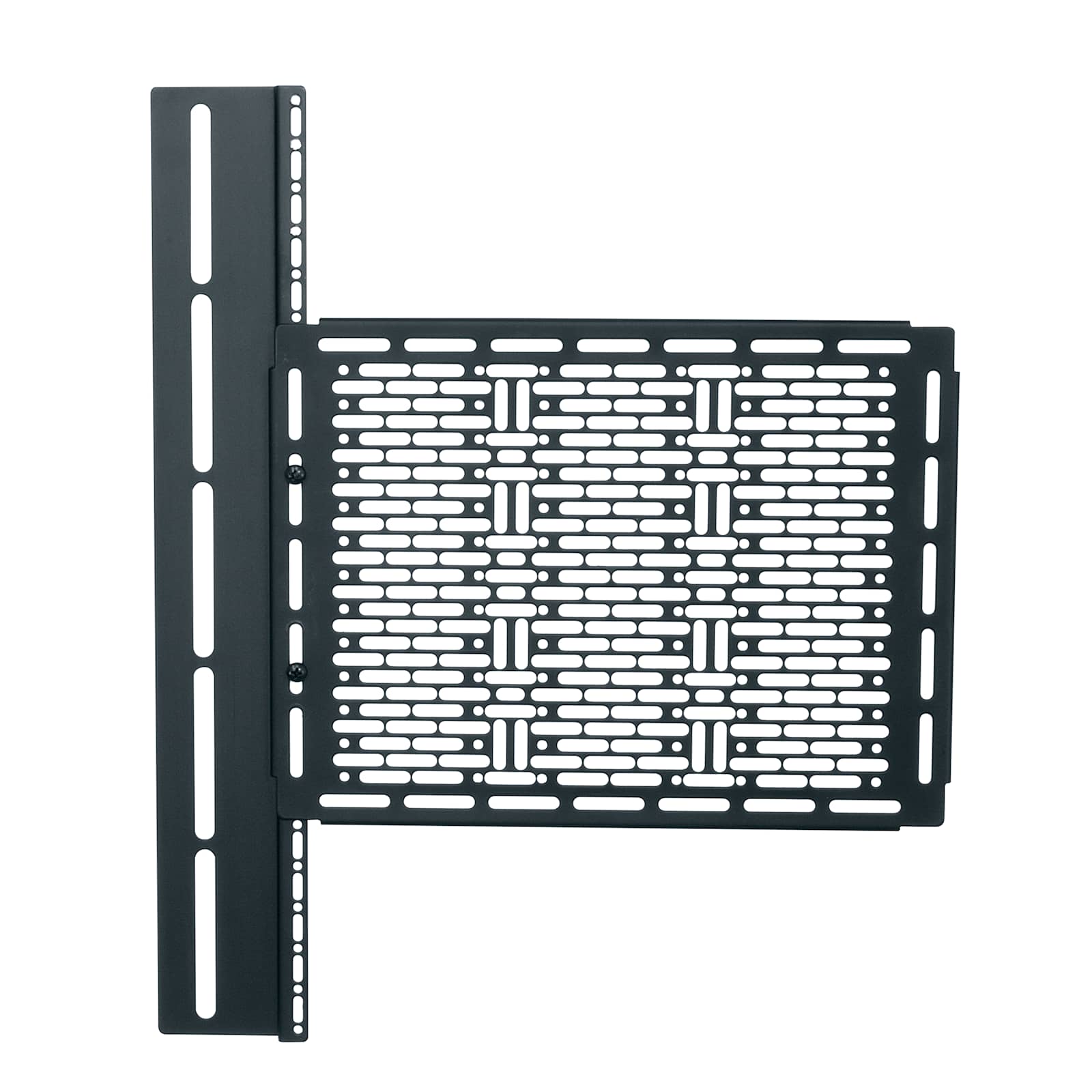 Proximity™ Component Storage Panel, Interface
CSMP9X12$52.00
Proximity™ Component Storage Panel, Interface
CSMP9X12$52.00
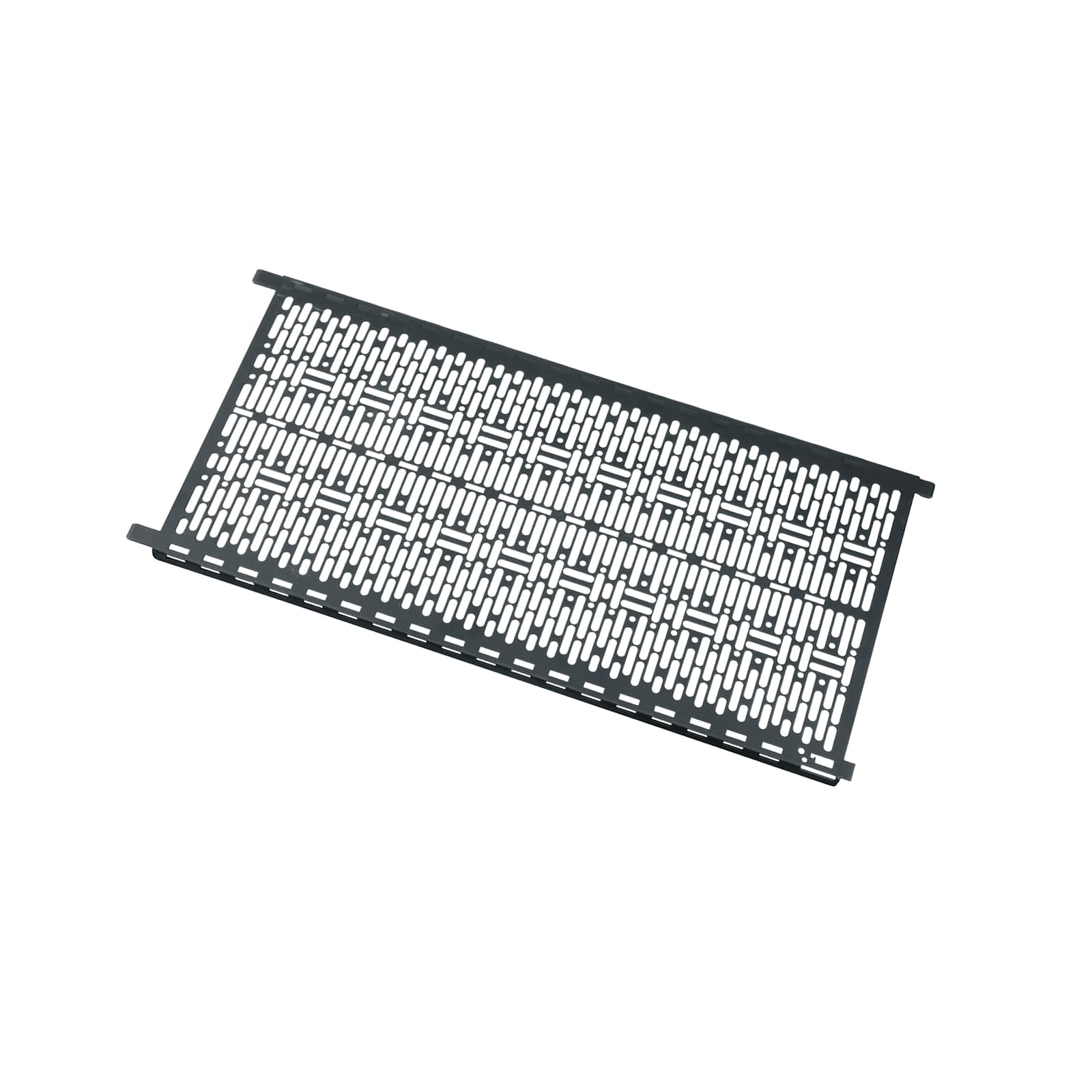 Lever Lock Vertical Plate 17.1 Inches High, 10 Inches Wide
LL-VP2110$53.10
Lever Lock Vertical Plate 17.1 Inches High, 10 Inches Wide
LL-VP2110$53.10
 650 mm Interface Extenders for Tempo™ Flat Panel Wall Mount System
FHB5174$181.60
650 mm Interface Extenders for Tempo™ Flat Panel Wall Mount System
FHB5174$181.60
 Camera Shelf for Tempo™ Flat Panel Wall Mount System
AS3A100$191.20
Camera Shelf for Tempo™ Flat Panel Wall Mount System
AS3A100$191.20
 Proximity® Component Storage Slide-Lock Panel
CSSLP15X10$195.20
Proximity® Component Storage Slide-Lock Panel
CSSLP15X10$195.20
 PD Slim High Density Vertical Power Strip, 7 Outlet, 15A
PD-715SC-NS$210.60
PD Slim High Density Vertical Power Strip, 7 Outlet, 15A
PD-715SC-NS$210.60
 Video-Sound Bar Mount for Tempo™ Flat Panel Wall Mount System
AS3A101$209.60
Video-Sound Bar Mount for Tempo™ Flat Panel Wall Mount System
AS3A101$209.60
 Crestron® UC Bracket Accessory for Tempo™ Flat Panel Wall Mount System
AS3A102$136.00
Crestron® UC Bracket Accessory for Tempo™ Flat Panel Wall Mount System
AS3A102$136.00
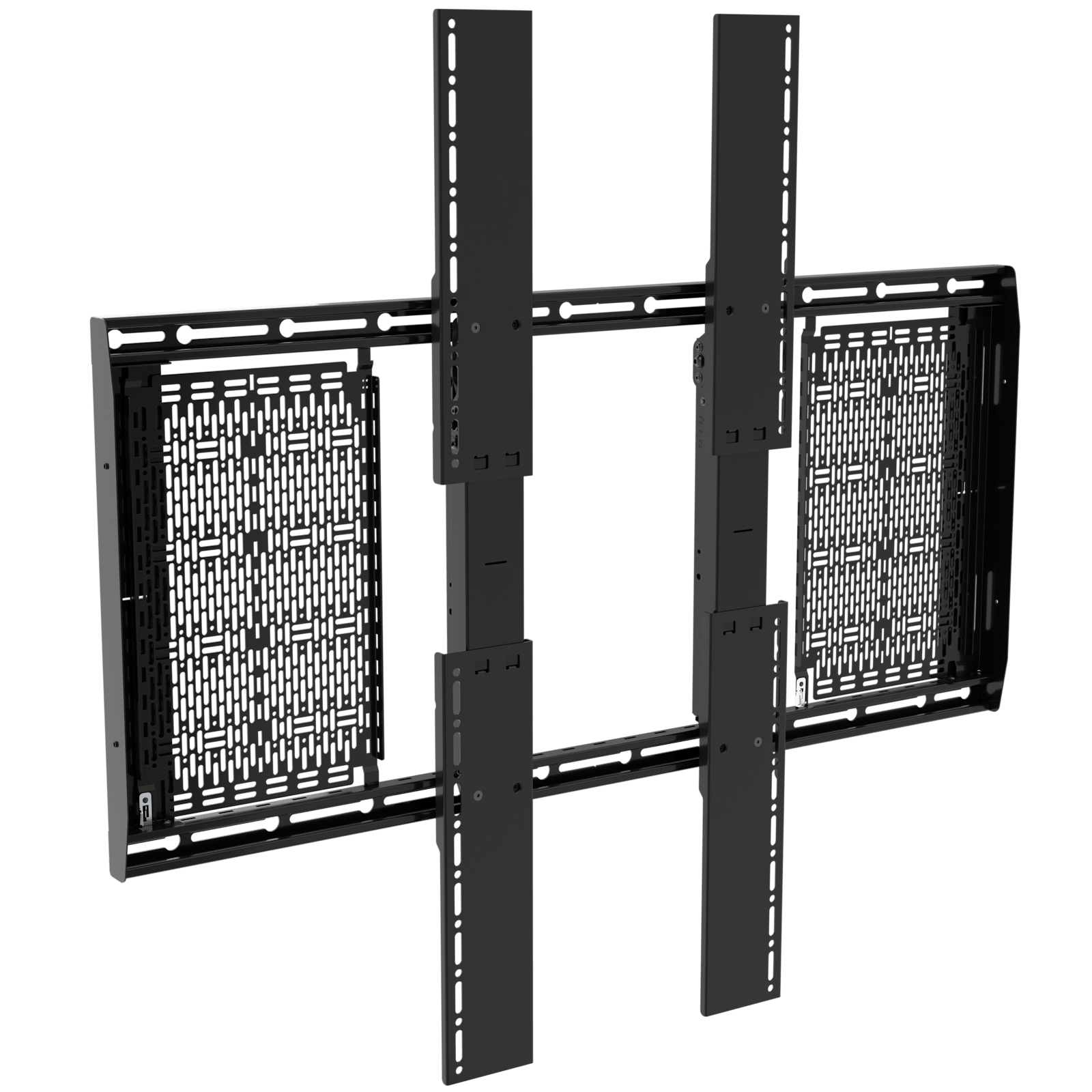 1000 mm Interface Extenders for Tempo™ Flat Panel Wall Mount System
FHB5178$230.94
800 mm Interface Extenders for Tempo™ Flat Panel Wall Mount System
FHB5179Coming soon
1000 mm Interface Extenders for Tempo™ Flat Panel Wall Mount System
FHB5178$230.94
800 mm Interface Extenders for Tempo™ Flat Panel Wall Mount System
FHB5179Coming soon
 HDMI HDBaseT + USB-B and RS232 over Cat Extender Single Gang Wall Plate Transmitter to Box Receiver - 4K 60Hz
C2G30024$872.99
HDMI HDBaseT + USB-B and RS232 over Cat Extender Single Gang Wall Plate Transmitter to Box Receiver - 4K 60Hz
C2G30024$872.99
Verified fitment
Questions about this part
Will the Chief AS3LD fit my specific display?
The AS3LD is verified against 9,680 display models from 252 manufacturers, including Sony 55BZ30P, Samsung 460CX, and LG 100QNED8.
What do I need to buy to add device storage to this mount?
You can add storage using the Proximity™ Component Storage Panel (CSMP9X12) or the Lever Lock Vertical Plate (LL-VP2110).
How much weight can this mount support?
This mount has a weight capacity of 200 lbs (90.7 kg) and supports a VESA mounting pattern up to 970 x 450mm.
How do I adjust the display after it is mounted?
The system allows for micro-adjustable lateral shift, extension, and tilt from -10° to +0° in 2.5° increments.
Which documents are available for submittals?
Technical drawings, CAD files (dwg), and the installation manual are available in the resources tab for project documentation.