

KX Low-Profile Triple Monitor Arms, Column Desk Mount, Silver
Triple monitor desk mount for 10–32" displays, featuring 13" gas-spring height adjustment and Centris™ Extreme Tilt technology
The KXC330S is a high-performance triple monitor desk mount designed to optimize workspace ergonomics through advanced motion control. Utilizing Chief’s FleExtra-Largeink design, this series provides a full range of motion while maximizing depth efficiency, making it an ideal solution for shallow-depth desktops. This specific SKU features a silver finish and supports three displays with a typical screen size range of 10" to 32" (254 mm to 813 mm). It accommodates a weight capacity of 5–25 lbs (2.3–11.3 kg) per arm, ensuring compatibility with diverse hardware, including heavy all-in-one systems. The KXC330S offers 13" (330.2 mm) of dynamic height adjustment via smooth-motion gas-spring technology, complemented by 7" (178 mm) of manual height adjustment on the column. Integrated Centris™ Extreme Tilt technology allows for effortless positioning with tilt ranges of +75° to -10°. This universal solution supports both landscape and portrait orientations and utilizes 75 x 75mm and 100 x 100mm VESA mounting patterns. Installation is streamlined via a 3-step quick-release interface, and the unit can be secured to a desk edge, through a standard grommet, or via a bolt hole using the included kit.
Specifications are supplied by the manufacturer. For complete details, check the Resources section.Key features
Specifications
Main specifications 8
| Dynamic Height Adjustment | 13" (330.2 mm) |
| Maximum Extension | 22.5 in (57.2 cm) |
| Minimum Depth | 2.45 in (6.2 cm) |
| Shipping Dimensions | 34" x 24" x 6" (863.6 x 609.6 x 152.4 mm) |
| Shipping Weight | 25.5 lbs (11.6 kg) |
| Typical Screen Size | 10 - 32" (254mm - 813mm) |
| Weight Capacity | 5 - 25 lbs (2.3 - 11.3 kg) |
| Adjustability | ExtensionHeight AdjustableSwivelTilt |
All other specifications 11
| Application | Desk-Tabletop |
| Color | Silver |
| Number of Arm Links | 3 |
| Number of Displays | 3 |
| Orientation | LandscapePortrait |
| Solution Type | Universal |
| Special Features | Extreme Tilt TechnologyMulti-Display |
| TAA Compliant | No |
| Tilt | +75°-10° |
| UPC | 841872172804 |
| VESA Mounting Pattern | 75 x 75mm, 100 x 100mm |
Resources
You'll need these with it
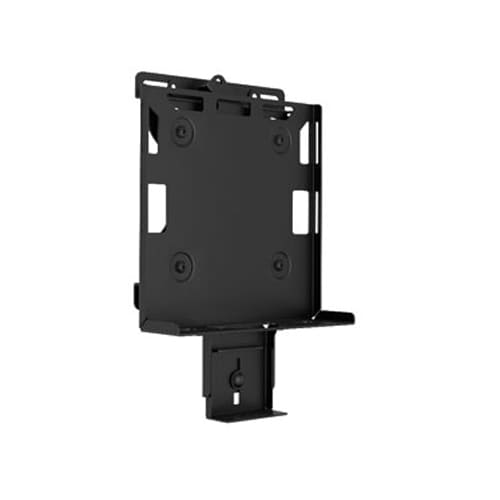 Digital Media Player Mounts (with power brick mount) - PAC261P
PAC261P$113.60
Digital Media Player Mounts (with power brick mount) - PAC261W
PAC261W$138.40
DMP mount Direct-to-Display VESA100 (with power brick mount)
PAC261D$77.60
Digital Media Player Mounts (with power brick mount) - PAC261P
PAC261P$113.60
Digital Media Player Mounts (with power brick mount) - PAC261W
PAC261W$138.40
DMP mount Direct-to-Display VESA100 (with power brick mount)
PAC261D$77.60
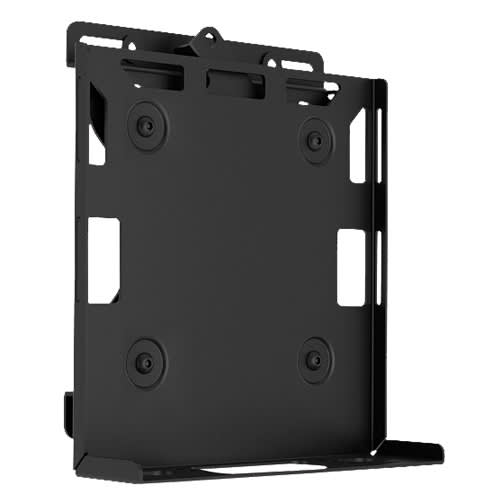 Digital Media Player, CPU and Codec Wall Mount
PAC260W$108.80
DMP Mount - Pole
PAC260P$86.40
DMP Mount Direct-to-Display VESA100
PAC260D$52.00
Digital Media Player, CPU and Codec Wall Mount
PAC260W$108.80
DMP Mount - Pole
PAC260P$86.40
DMP Mount Direct-to-Display VESA100
PAC260D$52.00
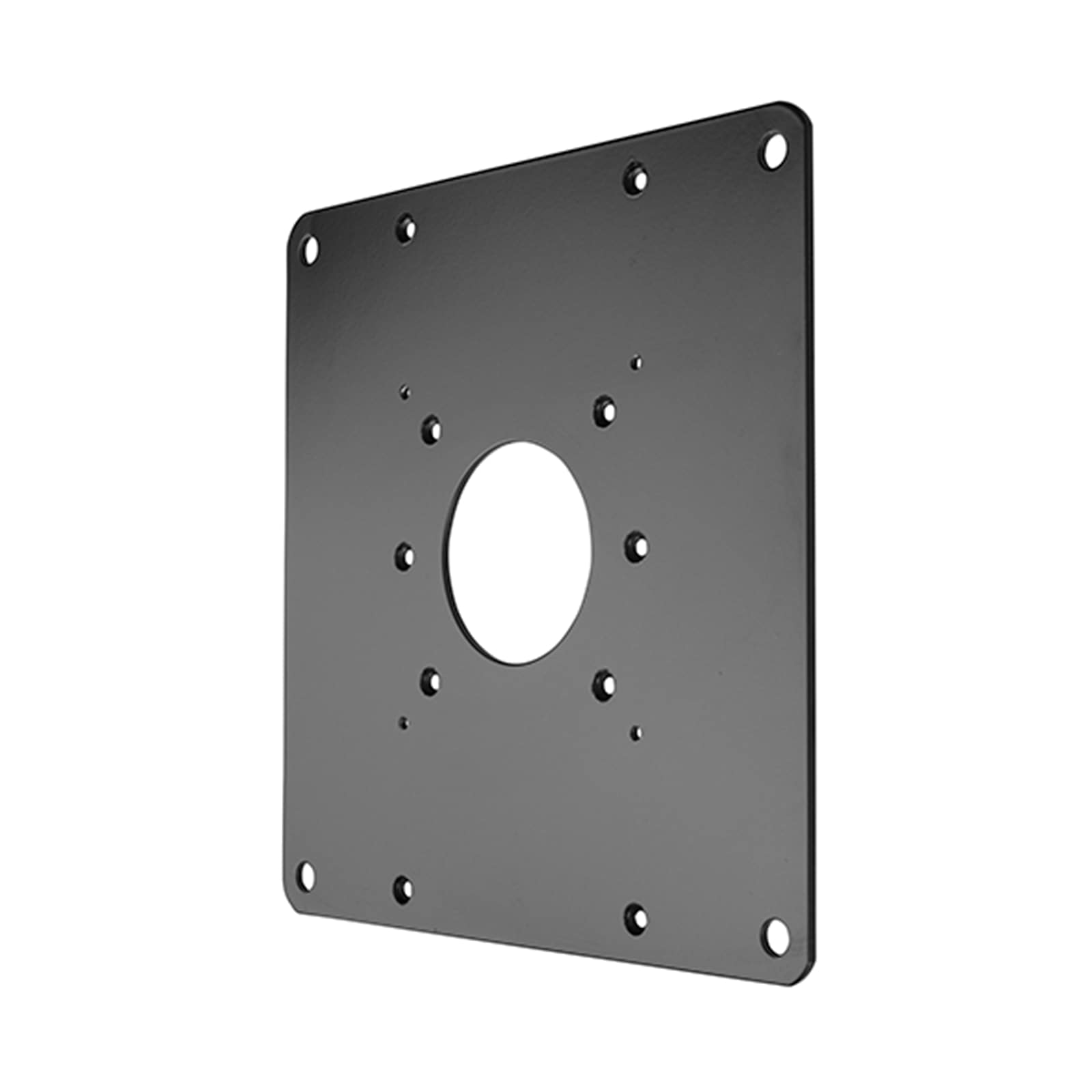 FSB1U, Small Flat Panel Universal Interface Bracket
FSB1U$56.80
FSB1U, Small Flat Panel Universal Interface Bracket
FSB1U$56.80
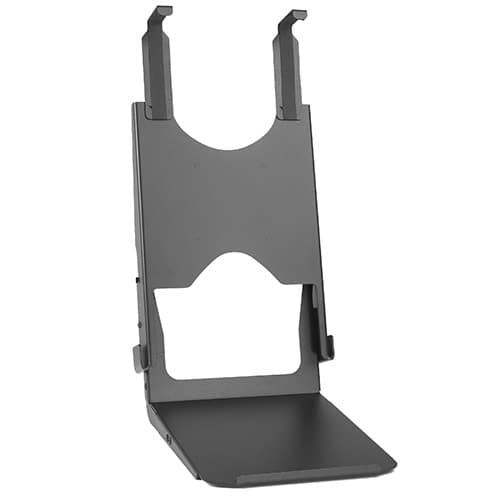 Custom Interface Bracket for Cisco EX90 and K2-series Mounts
FSB4090B$312.80
Custom Interface Bracket for Cisco EX90 and K2-series Mounts
FSB4090B$312.80
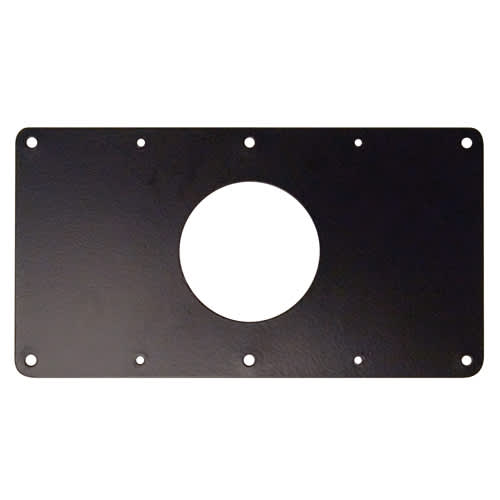 Small Flat Panel Interface Brackets -
FSB4243B$61.60
Small Flat Panel Interface Brackets - FSB4245B
FSB4245B$61.60
Small Flat Panel Interface Brackets -
FSB4243B$61.60
Small Flat Panel Interface Brackets - FSB4245B
FSB4245B$61.60
 CPU Wall/Desk Mount - KSA1023B
KSA1023B$77.60
CPU Wall/Desk Mount - KSA1023B
KSA1023B$77.60
 Large Flat Panel Swing Arm Wall Mount (Metal Studs)- 25 Inch -PWRSKUB
PWRSKUB$821.60
Large Flat Panel Swing Arm Wall Mount (Metal Studs)- 25 Inch -PWRSKUB
PWRSKUB$821.60
Verified fitment
Questions about this part
Will the KXC330S fit my specific monitor?
It is verified against 3,894 display models from 140 manufacturers, including Samsung 150MP, LG 17LS5R, Dell 1800FP, Sharp AS173MBK, NEC 1940CX, and Toshiba 15DL75.
What are the height adjustment capabilities?
The mount provides 13" (330.2 mm) of dynamic height adjustment through gas-spring technology, plus an additional 7" (178 mm) of manual height adjustment on the column.
What do I need to purchase to complete the installation?
The mount can be installed using the included desk edge clamp, grommet, or bolt-through kit. For additional hardware, you may need accessories like the KRA226S Kontour™ KRA226 Center-of-Table Grommet Plate.
Can I mount this in portrait orientation?
Yes, the KXC330S supports both landscape and portrait orientations to suit your specific workstation setup.
Which documents should I use for submittals?
You can use the KXC330 Technical Drawing (PDF) for general layout or the KXC Installation Manual (PDF) for mounting procedures.