

Kontour™ K3 Dual-Monitor Array - Desk Clamp Mounted - K3C310S
Desk clamp multi-monitor array for up to three displays, supporting landscape or portrait orientation with independent tilt and height adjustments
The Chief K3C310S is a Kontour™ K3 series static multi-monitor array mount designed for professional workstation environments such as control rooms, security desks, and financial service centers. This 3x1 array configuration supports either two or three displays. When configured as a 3x1 array, it accommodates displays up to 27" (686 mm) diagonal, while a 2x1 configuration supports up to 30" (762 mm) diagonal. The system offers high flexibility through independent height and tilt adjustments for each monitor, including a 10° head-on-column tilt and 12° heads-on-rails tilt. For clean workstation aesthetics, the mount features tool-free integrated cable management. This specific SKU utilizes a desk clamp mounting method, compatible with desktop thicknesses ranging from 0.5" to 5" (13mm - 127mm). It is available in a silver finish and is compatible with VESA mounting patterns of 75 x 75mm and 100 x 100mm.
Specifications are supplied by the manufacturer. For complete details, check the Resources section.Key features
Specifications
Main specifications 8
| Depth | 7.03 in (17.9 cm) |
| Height | 20.87 in (53 cm) |
| Overall Dimensions | 20.87" x 40.17" x 7.03" (530mm x 102mm x 178.5mm) |
| Shipping Weight | 25.32 lbs (11.5 kg) |
| Typical Screen Size | 2x1 Up to 30" (762 mm) diagonal, 3x1 Up to 27" (686 mm) diagonal |
| Weight Capacity | 15 lbs (6.8 kg) |
| Width | 40.17 in (102 cm) |
| Adjustability | Height AdjustableTilt |
All other specifications 15
| Application | Desk-TabletopEdge Clamp |
| Array Configuration | 3x1 |
| Color | Silver |
| Desktop Thickness Range | 0.5" - 5" (13mm - 127mm) |
| Grommet Hole Size Range | 0.38" - 3.5" (10mm - 89mm) |
| Mounting Method | Desk Clamp |
| Number of Displays | 2 or 3 |
| Orientation | LandscapePortrait |
| Post-Installation Leveling Roll | Yes |
| Solution Type | Universal |
| Special Features | Multi-Display |
| TAA Compliant | No |
| Tilt | Heads on rails: 12°; Head on column: 10° |
| UPC | 841872172255 |
| VESA Mounting Pattern | 75 x 75mm, 100 x 100mm |
Resources
You'll need these with it
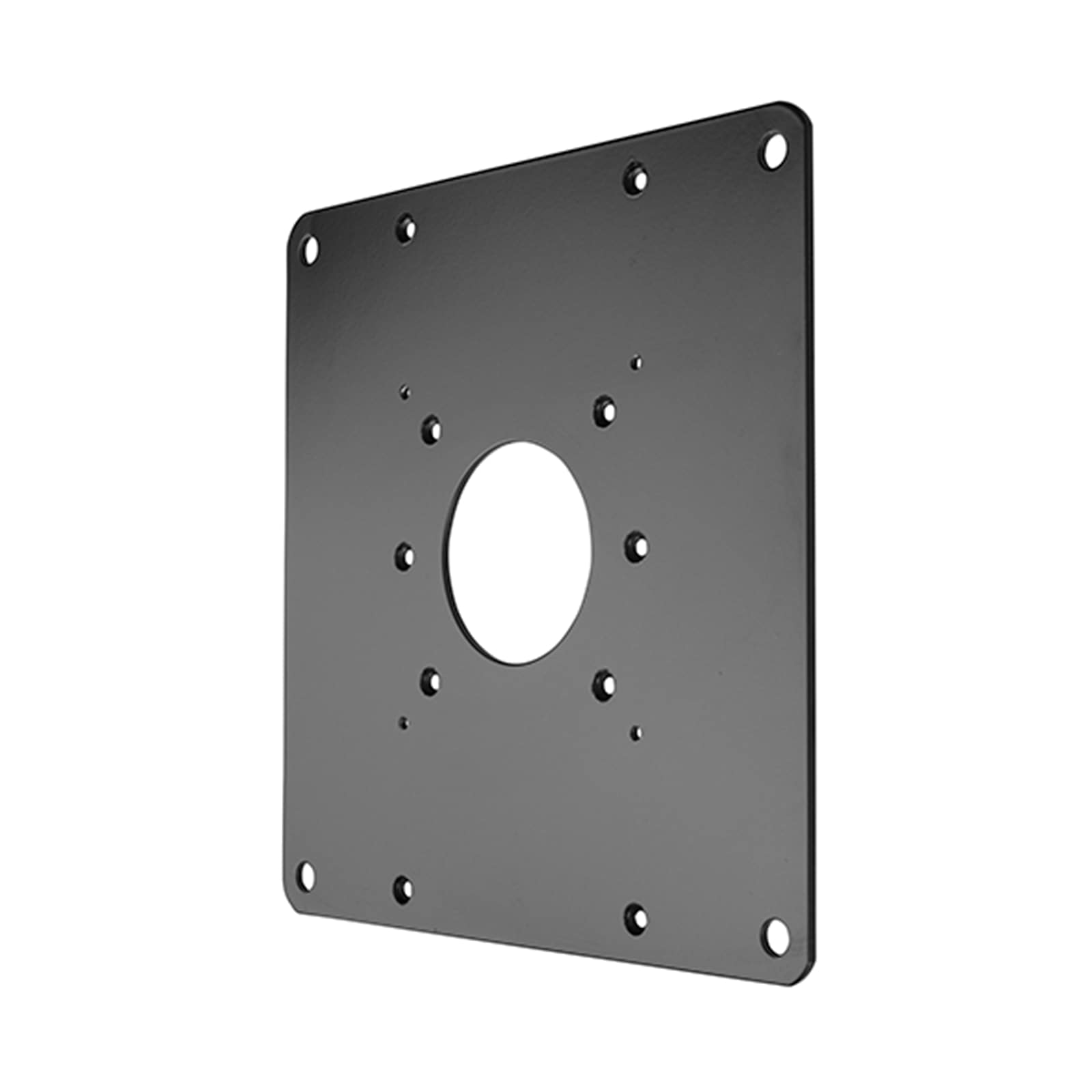 FSB1U, Small Flat Panel Universal Interface Bracket
FSB1U$56.80
FSB1U, Small Flat Panel Universal Interface Bracket
FSB1U$56.80
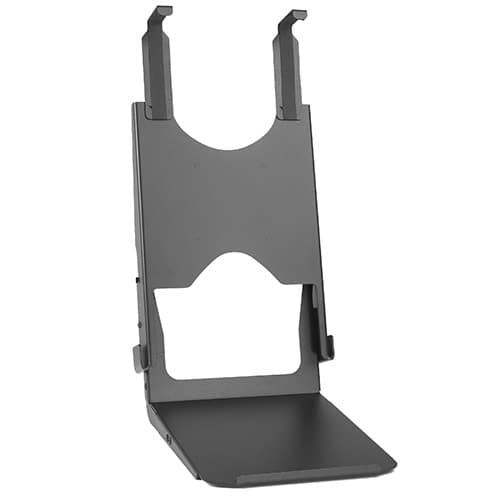 Custom Interface Bracket for Cisco EX90 and K2-series Mounts
FSB4090B$312.80
Custom Interface Bracket for Cisco EX90 and K2-series Mounts
FSB4090B$312.80
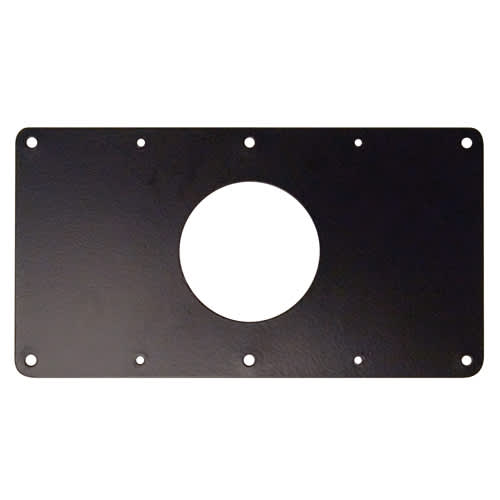 Small Flat Panel Interface Brackets -
FSB4243B$61.60
Small Flat Panel Interface Brackets - FSB4245B
FSB4245B$61.60
Small Flat Panel Interface Brackets -
FSB4243B$61.60
Small Flat Panel Interface Brackets - FSB4245B
FSB4245B$61.60
 K3 Series Desk Clamp Accessory, Silver
KRA500S$84.80
K3 Series Desk Clamp Accessory, Silver
KRA500S$84.80
 Laptop & Tablet Tray, Silver
KRA300S$88.00
Laptop & Tablet Tray, Silver
KRA300S$88.00
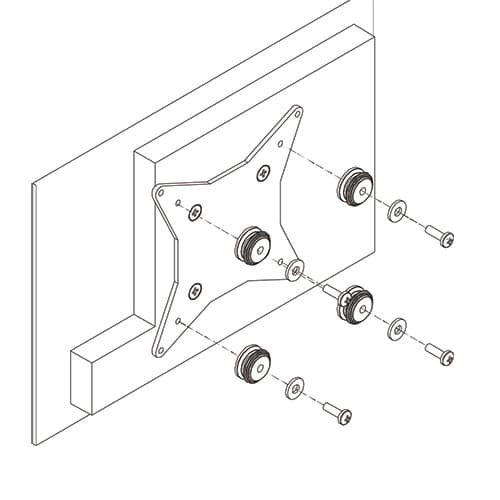 50x50mm VESA Interface Bracket
FSB4073$47.20
50x50mm VESA Interface Bracket
FSB4073$47.20
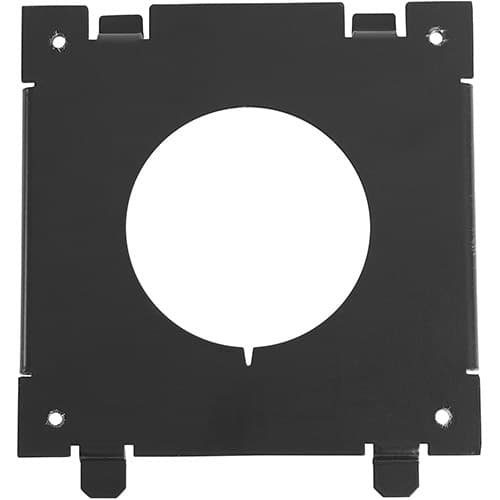 Quick-Connect Interface for Dell® Monitors KSA1250B-2
KSA1250B-2$36.80
Quick-Connect Interface for Dell® Monitors KSA1250B-2
KSA1250B-2$36.80
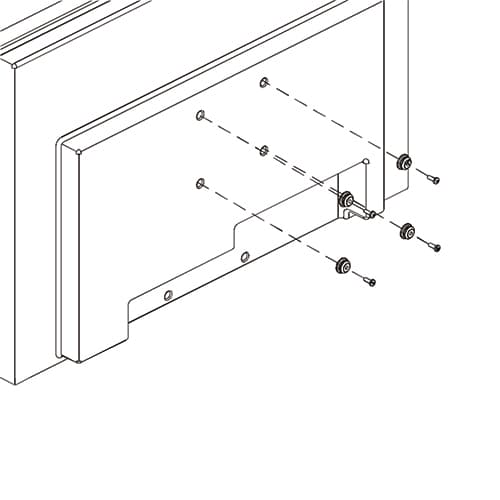 Small Flat Panel Interface Buttons and Hardware for FSR and FTR
FSB75100B$10.40
Small Flat Panel Interface Brackets - FSB4243B
FSB4243B$61.60
Small Flat Panel Interface Buttons and Hardware for FSR and FTR
FSB75100B$10.40
Small Flat Panel Interface Brackets - FSB4243B
FSB4243B$61.60
 Interface Bracket
FSB4442B$104.00
Small Flat Panel Interface Brackets - FSB4394B
FSB4394BDiscontinued
Interface Bracket
FSB4442B$104.00
Small Flat Panel Interface Brackets - FSB4394B
FSB4394BDiscontinued
Verified fitment
Questions about this part
Will the K3C310S fit my specific monitors?
The K3C310S is verified against 3,578 display models from 68 manufacturers. Examples of compatible displays include Samsung 152S, LG 17LS5R, Dell 1900FP, and Toshiba 15V300PR.
How much weight can this monitor array hold?
The K3C310S features a weight capacity of 15 lbs (6.8 kg) per display.
What do I need to buy to install this on my desk?
This SKU is a desk clamp model. If you require a different mounting style, other K3 series arrays are available in free-standing or grommet configurations. You may also add the KRA500S K3 Series Desk Clamp Accessory or a KRA300S Laptop & Tablet Tray.
Can I adjust the tilt and height after installation?
Yes, the K3C310S allows for independent height and tilt adjustments. The heads-on-rails feature provides 12° of tilt, and the head-on-column feature provides 10° of tilt.
Which documents are available for submittals?
For technical submittals, you can access the K3C310 Technical Drawing (PDF), the K3C310 CAD Drawing (dwg), or the K3 Series Installation Manual (PDF).