

Dual Vertical Desk Clamp Mount - KTC230B
Vertical desk clamp mount for dual 10"-30" displays with independent tilt and height adjustment
The Chief KTC230B is a specialized desk clamp solution designed for graphic designers, broadcasters, and professionals requiring a dual-monitor setup for small flat panel TVs or monitors. This workstation mount features a 1x2 array configuration that accommodates two displays in either landscape or portrait orientation. Each screen can be adjusted independently for optimal ergonomic alignment, utilizing Centris Technology to provide smooth, fingertip tilt in all directions. To maintain a clean workspace, the mount includes snap-on covers and cable clips to conceal and protect cabling. The heavy-duty construction consists of a solid steel desk clamp and an oversized pole to ensure unmatched stability during use. Installation is streamlined by a teardrop hole pattern that makes mounting the screens quick and easy. This TAA-compliant mount supports VESA 75 x 75 mm and 100 x 100 mm patterns and includes a post-installation leveling roll for fine-tuning the display position.
Specifications are supplied by the manufacturer. For complete details, check the Resources section.Key features
Specifications
Main specifications 8
| Depth | 5.5 in (14 cm) |
| Equipment Height Range | 10" - 19.3" (25 - 49cm) |
| Height | 29.8 in (75.7 cm) |
| Overall Dimensions | 29.8" x 5.0" x 5.5" (756 x 127 x 141mm) |
| Shipping Weight | 18.37 lbs (8.3 kg) |
| Typical Screen Size | 10" - 30" (254mm-762mm) |
| Weight Capacity | 35 lbs (15.9 kg) |
| Width | 5 in (12.7 cm) |
All other specifications 13
| Adjustability | Height AdjustableTilt |
| Application | Desk-Tabletop |
| Array Configuration | 1x2 |
| Color | Black |
| Mounting Method | Desk Clamp |
| Number of Displays | 2 |
| Orientation | LandscapePortrait |
| Post-Installation Leveling Roll | Yes |
| Solution Type | Universal |
| Special Features | Multi-Display |
| TAA Compliant | Yes |
| UPC | 841872117317 |
| Certifications | TAA |
Resources
You'll need these with it
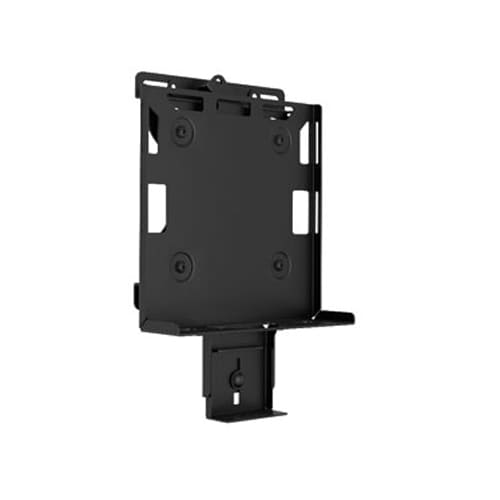 Digital Media Player Mounts (with power brick mount) - PAC261P
PAC261P$113.60
Digital Media Player Mounts (with power brick mount) - PAC261W
PAC261W$138.40
DMP mount Direct-to-Display VESA100 (with power brick mount)
PAC261D$77.60
Digital Media Player Mounts (with power brick mount) - PAC261P
PAC261P$113.60
Digital Media Player Mounts (with power brick mount) - PAC261W
PAC261W$138.40
DMP mount Direct-to-Display VESA100 (with power brick mount)
PAC261D$77.60
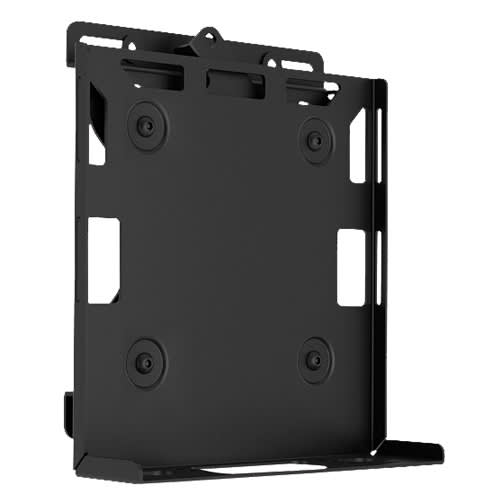 Digital Media Player, CPU and Codec Wall Mount
PAC260W$108.80
DMP Mount - Pole
PAC260P$86.40
DMP Mount Direct-to-Display VESA100
PAC260D$52.00
Digital Media Player, CPU and Codec Wall Mount
PAC260W$108.80
DMP Mount - Pole
PAC260P$86.40
DMP Mount Direct-to-Display VESA100
PAC260D$52.00
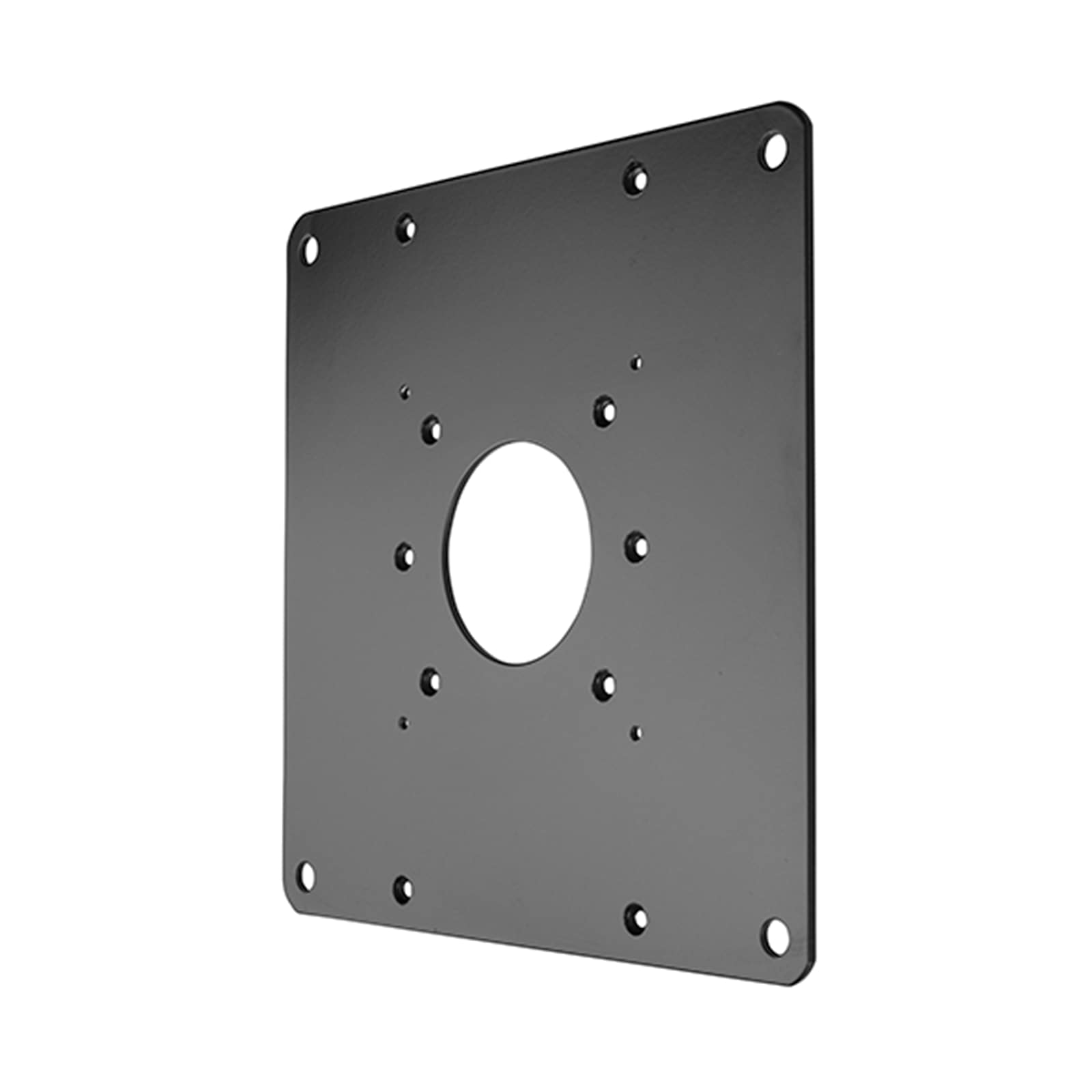 FSB1U, Small Flat Panel Universal Interface Bracket
FSB1U$56.80
FSB1U, Small Flat Panel Universal Interface Bracket
FSB1U$56.80
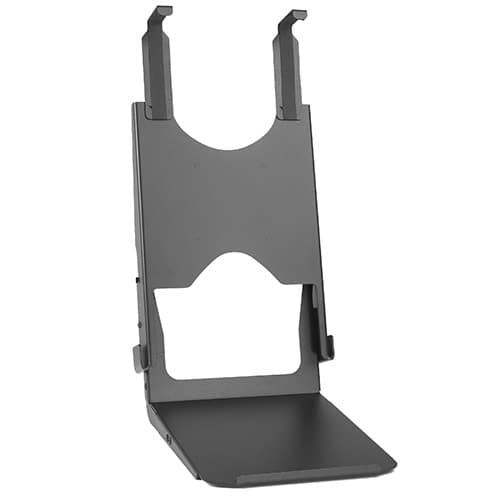 Custom Interface Bracket for Cisco EX90 and K2-series Mounts
FSB4090B$312.80
Custom Interface Bracket for Cisco EX90 and K2-series Mounts
FSB4090B$312.80
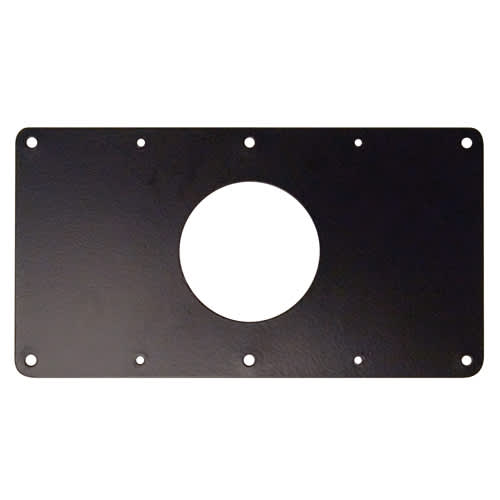 Small Flat Panel Interface Brackets -
FSB4243B$61.60
Small Flat Panel Interface Brackets - FSB4245B
FSB4245B$61.60
Small Flat Panel Interface Brackets -
FSB4243B$61.60
Small Flat Panel Interface Brackets - FSB4245B
FSB4245B$61.60
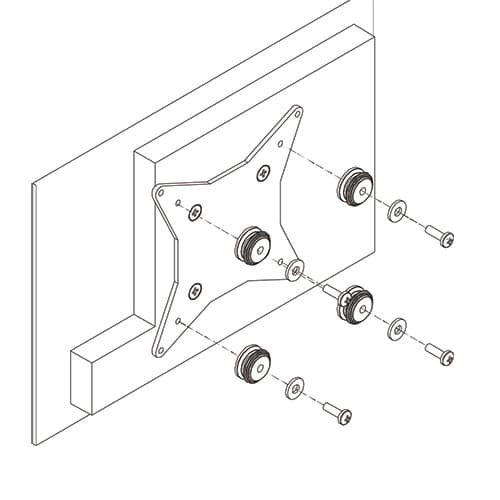 50x50mm VESA Interface Bracket
FSB4073$47.20
50x50mm VESA Interface Bracket
FSB4073$47.20
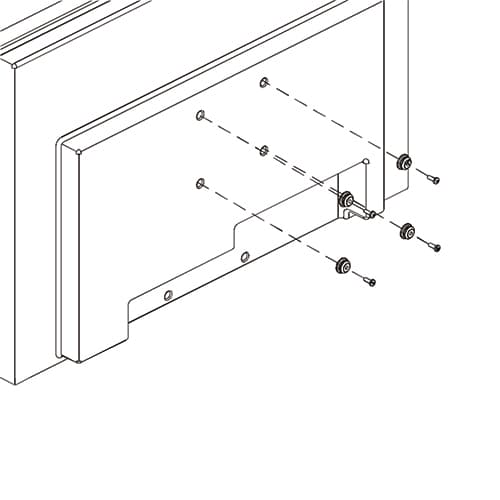 Small Flat Panel Interface Buttons and Hardware for FSR and FTR
FSB75100B$10.40
Small Flat Panel Interface Buttons and Hardware for FSR and FTR
FSB75100B$10.40
Verified fitment
Questions about this part
Will the KTC230B fit my specific monitors?
This mount is verified against 7,799 display models from 250 manufacturers, including the Samsung 150MP, LG 17LS5R, Philips 10BDL4151T, NEC 1940CX, Dell 1704FPT, and Sharp 1T-C24FA2KF2NB.
How much weight can each monitor weigh on this mount?
The weight capacity is 35 lbs (15.9 kg) per monitor, allowing for the simultaneous support of two displays within the 10" to 30" size range.
Can I change the orientation of the monitors?
Yes, the KTC230B allows for both landscape and portrait orientations, providing the flexibility needed for different professional workflows.
What is required to mount a small display with a non-standard VESA pattern?
For displays that do not use standard 75mm or 100mm patterns, you may need an interface bracket such as the FSB4041 for VESA 200 x 200mm M8 patterns.
How do I manage cables once the monitors are installed?
The mount features built-in cable management, including snap-on covers and cable clips, to help keep cords organized and protected.